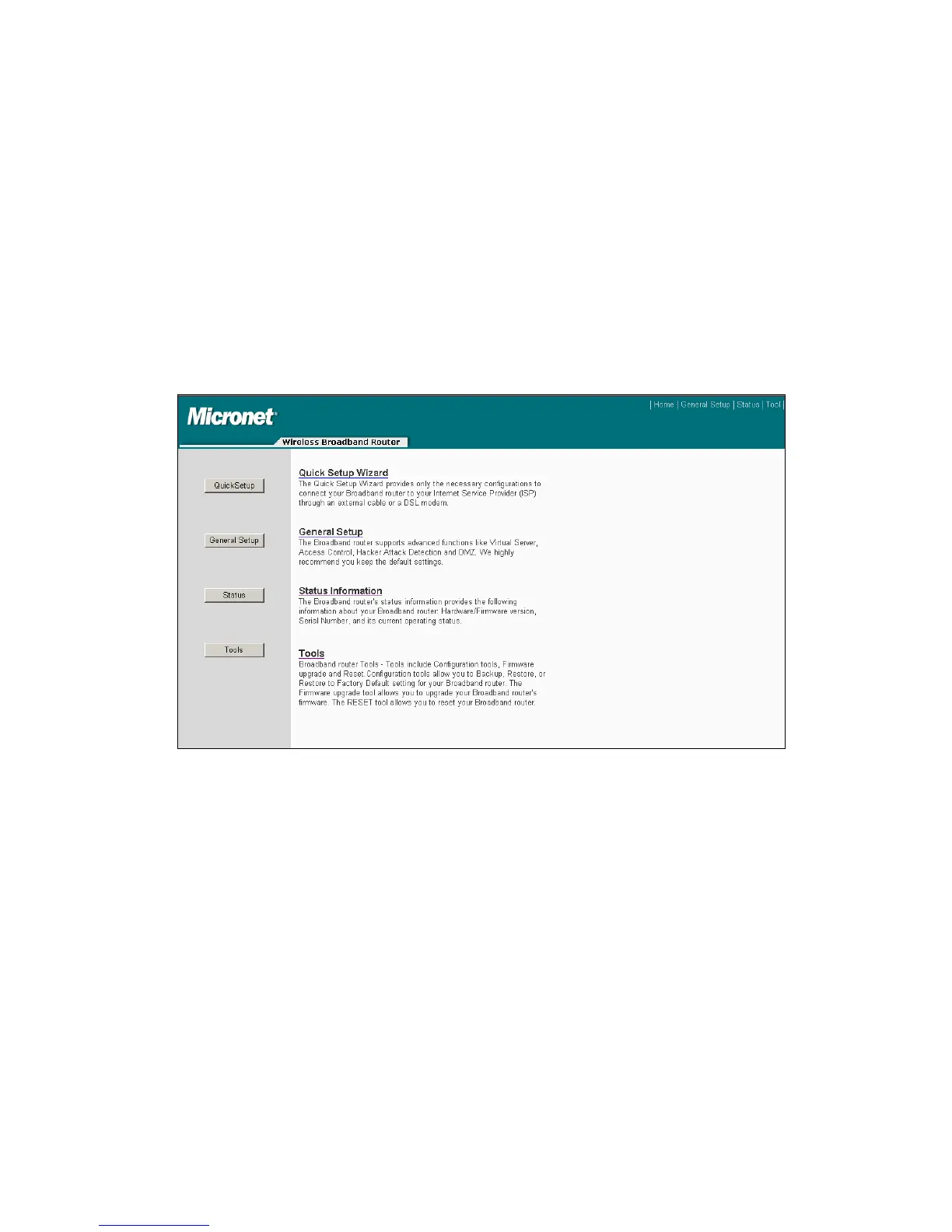
Click <OK> to complete the Quick Setup Wizard and start using the broadband
router.
4.2 General Setup
In this chapter, the user will know how to change the time zone, password, and
remote management settings. Please start the web browser and log onto router web
management interface, then click ‘General Setup’ button on the left, or click ‘General
Setup’ link at the upper-right corner of web management interface.
4.2.1 System
This section allows user to set the following system configuration: Time Zone,
Password and Remote Management Administrator.
4.2.1.1 Time zone and Time Auto-synchronization
Please click ‘System’ menu on the left of web management interface, then click ‘Time
Zone’, and the following message will be displayed on the web browser: Please
select time zone at ‘Set time zone’ drop-down list, and input the IP address or host
24



 To Next Page