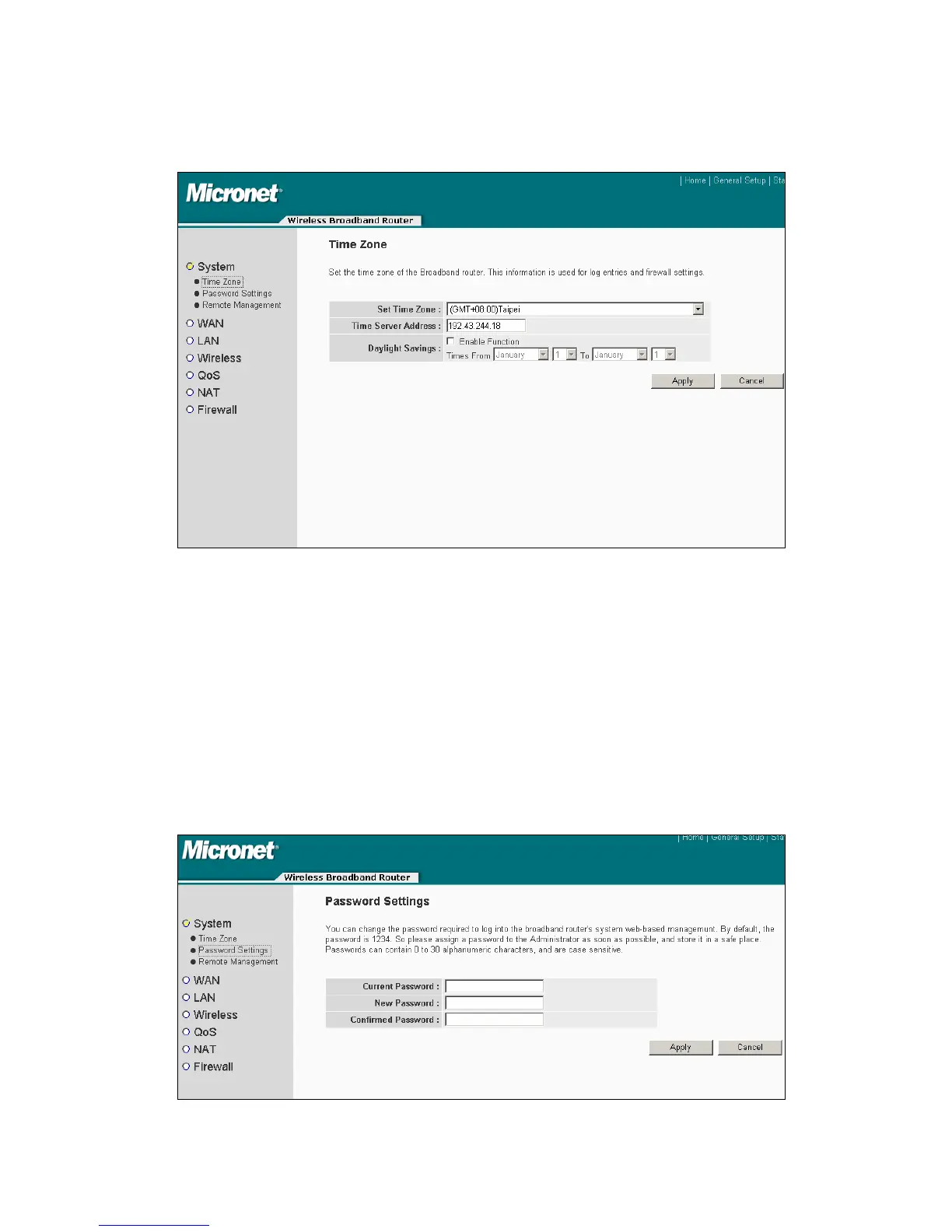
name of time server. If users want to enable daylight savings setting, please check
‘Enable Function’ box, and set the duration of daylight setting.
4.2.1.2 Password Setting
Default password of this router is ‘1234’, and it’s displayed on the login prompt when
accessed from web browser. There’s a security risk if users don’t change the default
password, since everyone can see it. This is very important when the wireless
function is enabled. Please click ‘System’ menu on the left of web management
interface, then click ‘Password Settings’. The following message will be displayed on
your web browser:
25



 To Next Page