Traffic Type
Select the traffic type of the packets that this rule will apply.
List of some popular applications is already available for
easing the configuration. Users also can get the same result
by using other parameters.
Protocol Select the protocol type of the packets that this rule will apply.
Save Save and exit the form.
Reset Clear the content of this form.
Click <Save> at the bottom of the screen to save the above configurations.
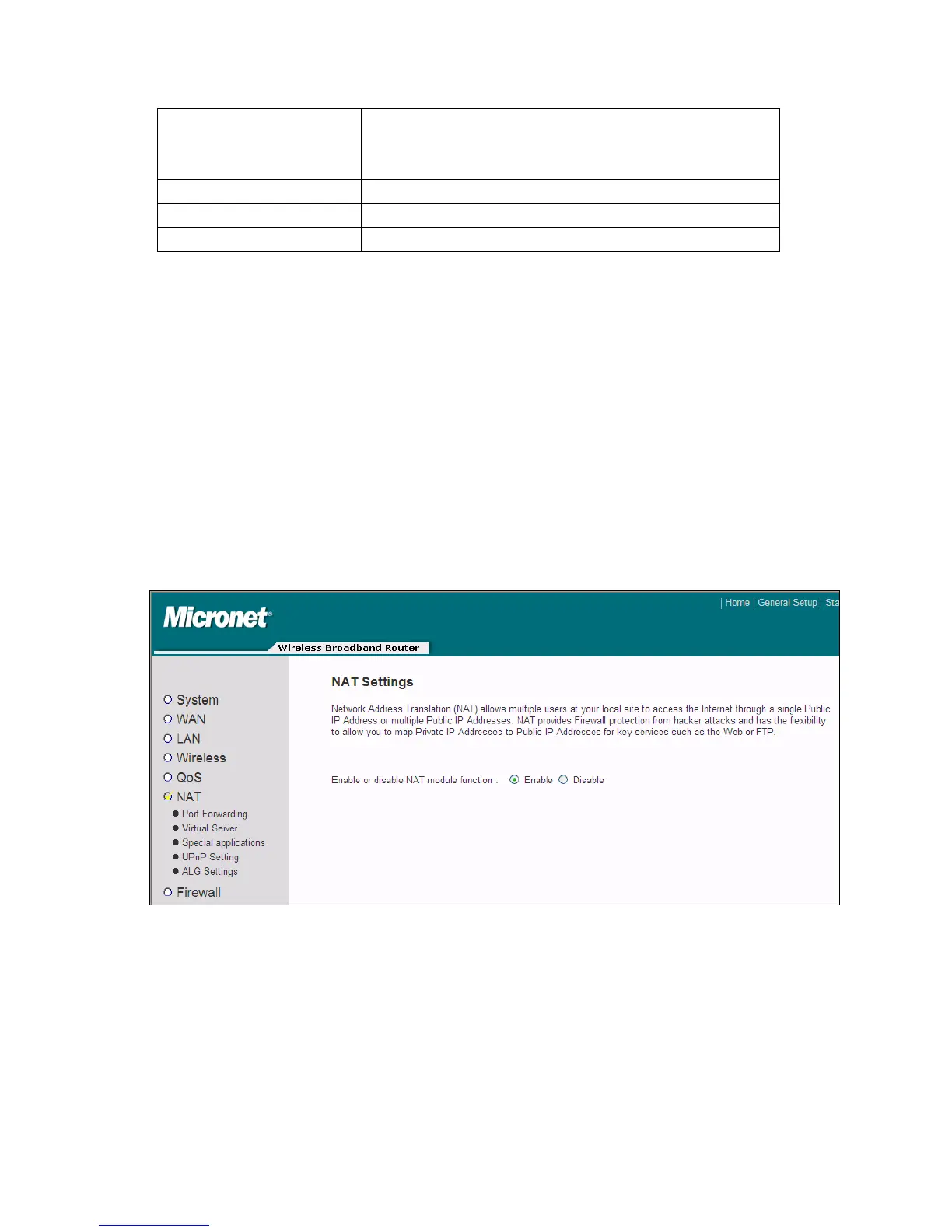
4.2.6 NAT
Network address translations solve the problem of sharing a single IP address to
multiple computers. Without NAT, all computers must be assigned with a valid
Internet IP address to connect to Internet. Therefore it’s necessary to use NAT
technology to share a single Internet IP address to multiple computers on local
network, so everyone can connect to Internet.
4.2.6.1 Port Forwarding
This function allows user to redirect a single port or consecutive ports of Internet IP
address to the same port of the IP address on local network. The port number(s) of
Internet IP address and private IP address (the IP address on local network) must be
50



 To Next Page