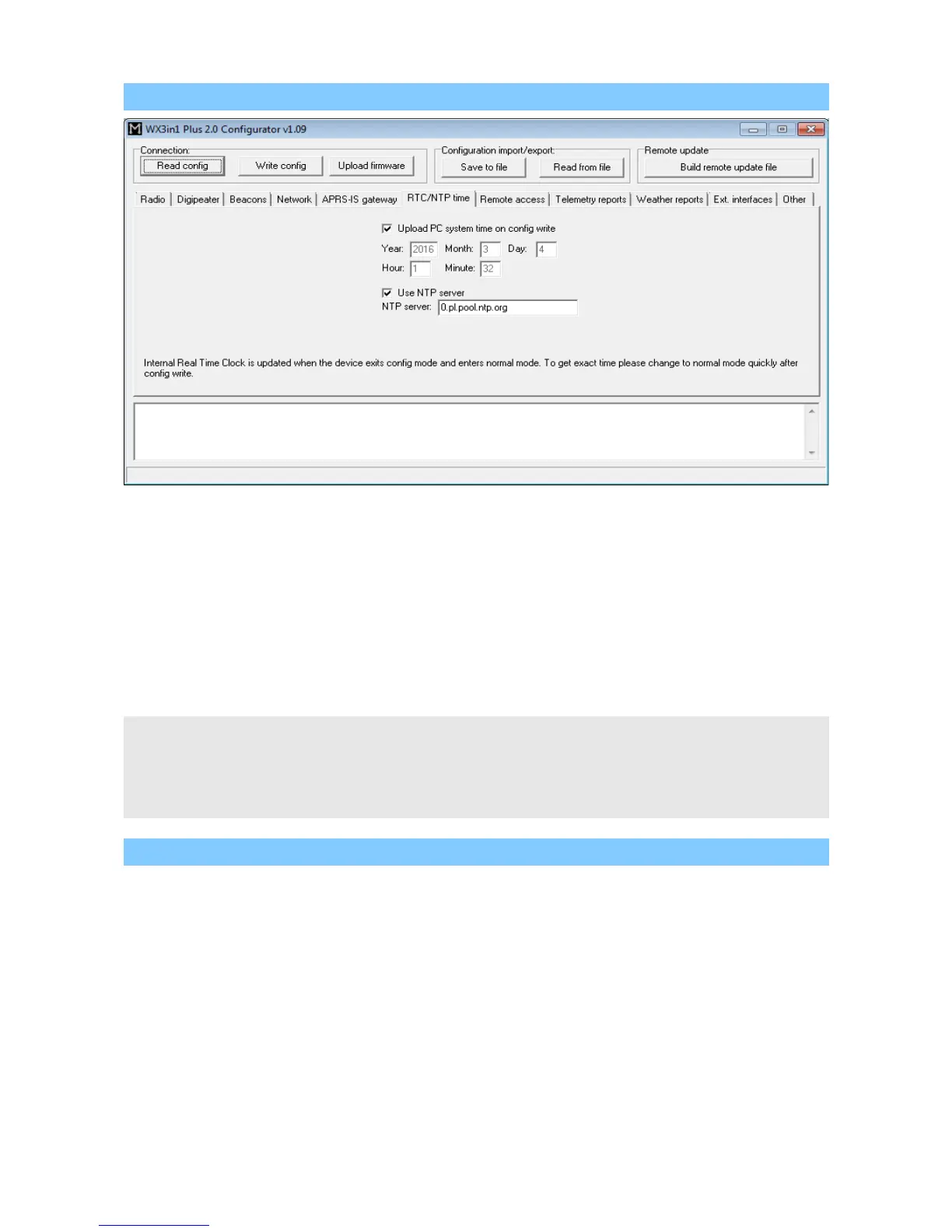
10.10. RTC/NTP Tab
• “Upload PC system time on config write” - if this option is selected, application
will ignore date and time fields visible below and will upload your PC system time
on configuration write,
• “Year”, “Month”, “Day”, “Hour”, “Minute” - user-defined date and time for
WX3in1 Plus 2.0,
• “Use NTP server” - of this option is selected, WX3in1 Plus 2.0 will periodically
connect to defined network time server and will synchronize its clock,
• “NTP server” - domain name or IP of network time server, in some cases this can
also be your router's IP, if NTP option is active on your local network router.
Internal Real Time Clock is updated when the device exits config mode and enters
normal mode. To get exact time please reboot your unit to normal mode quickly after
config write.
If you enable “Use NTP server” option, time will be updated from Network Time Protocol
server on the internet.
10.11. Remote access Tab
This Tab contains all settings related to remote access to the device using
different methods and protocols.
35



 To Next Page