Chapter 2 System Components
2-16 MicroHAWK MV-20 / MV-30 / MV-40 Smart Camera Guide
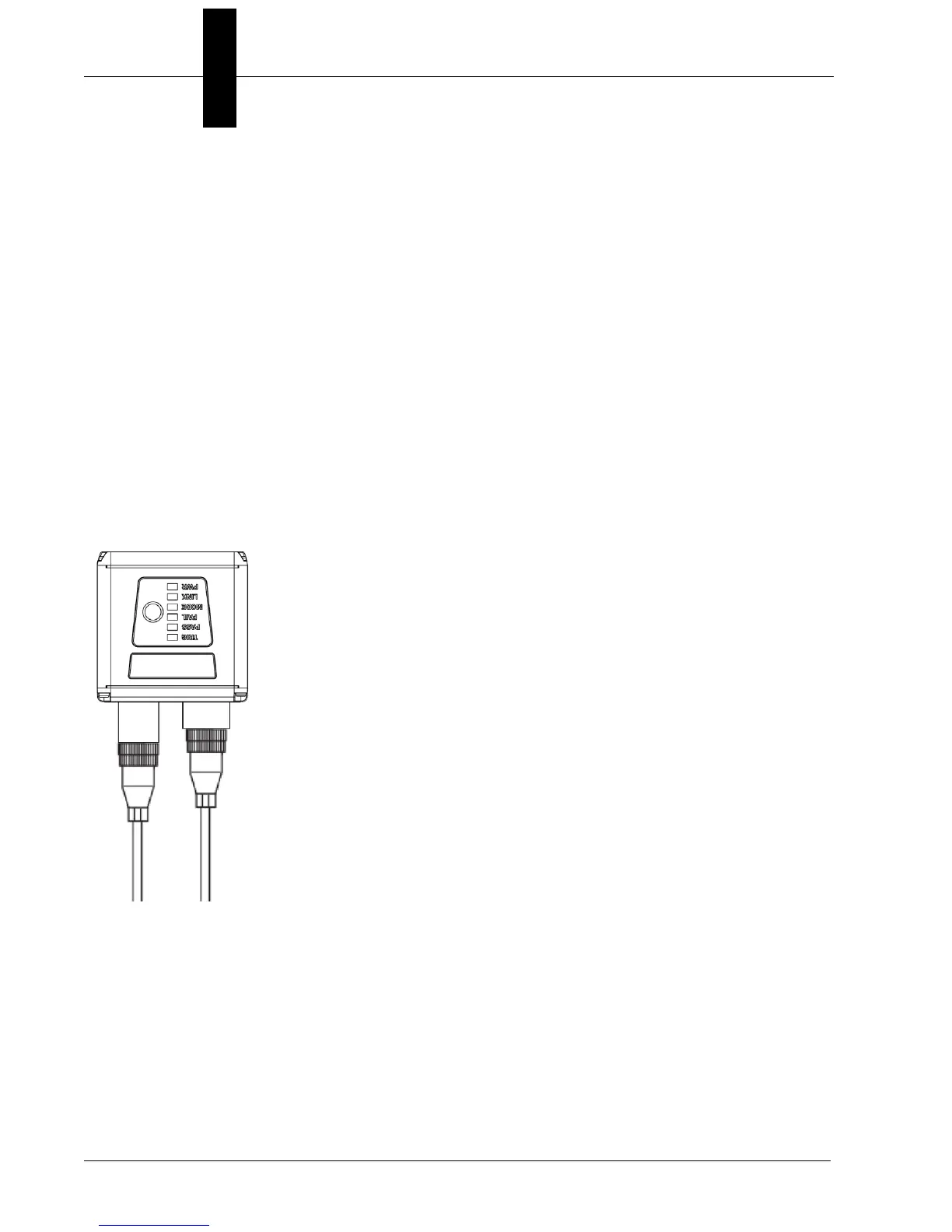
MV-40
Note:
The numbers in the diagram correspond to the numbers in the
Hardware Components
and Accessories
table.
• Mount the camera securely in its camera stand (not supplied).
• Mount the camera as required by the application.
• Connect the power cable to the MicroHAWK MV-40.
• Connect the Ethernet cable to the MicroHAWK MV-40.
• Connect the Ethernet cable to the host.
• Connect the power cable into the power source.
1
19
22
To Power
Supply
(12-Pin Plug)
To Host
(Ethernet
8-Pin Plug
to RJ45)
MicroHAWK MV-40 Simple Configuration



 To Next Page