Visionscape® Software Structure and Concepts
Visionscape®
Overview
1
v4.1.3, April 2012 Visionscape FrontRunner™ User’s Manual 1-9
output can have other steps or tools inserted into it. The inserted tools
then connect their inputs to the outputs of the parent step.
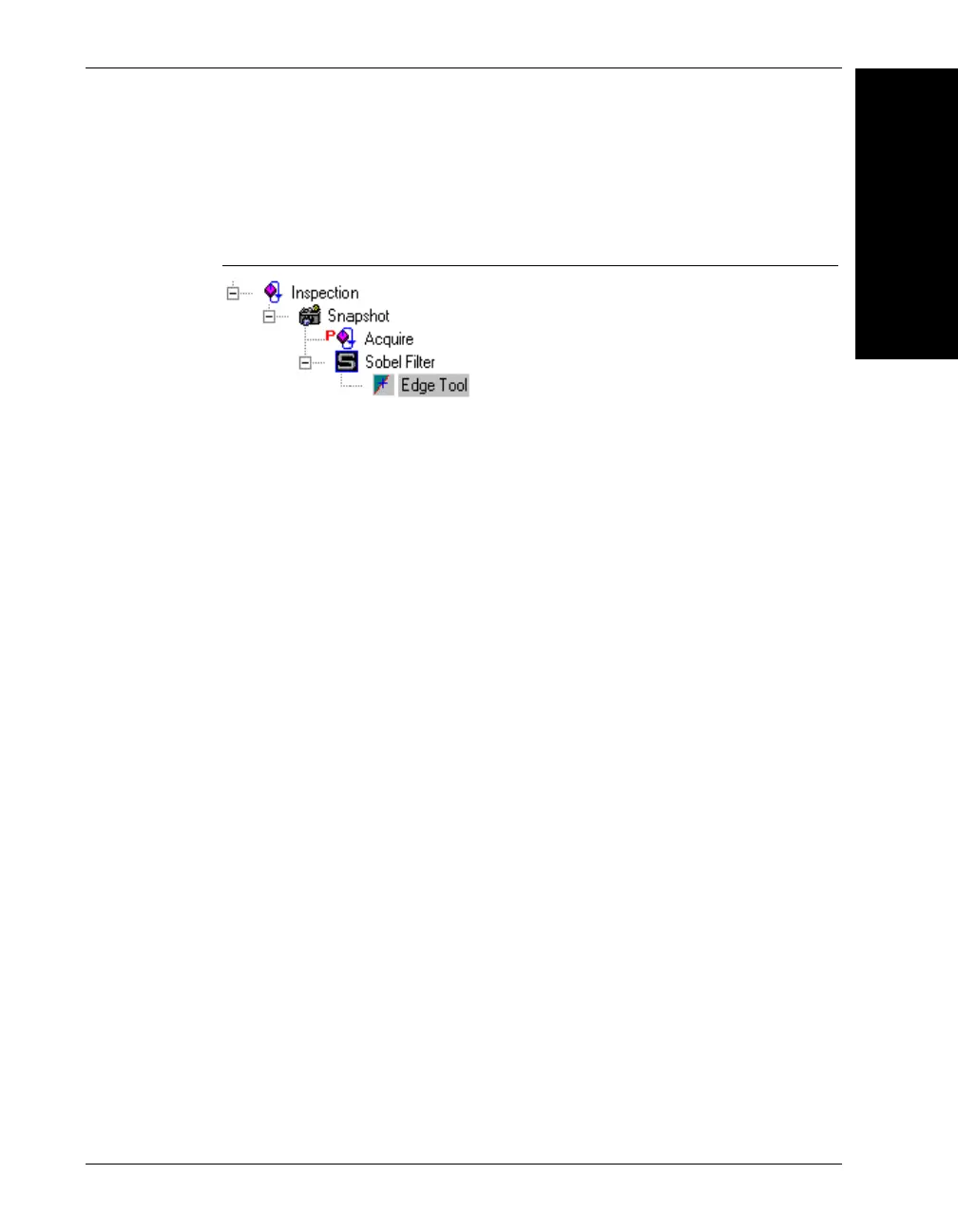
FIGURE 1–5. Sample Job Tree
Many tools also have a region of interest (ROI) that defines an area on
the input buffer for that tool. In the case of the Sobel Filter, the ROI
defines the area where the Sobel Filter executes its algorithm. Its output
buffer (or input buffer to the Edge Tool), is the size of its ROI.
Many steps are not vision based steps like Sobel Filter or Edge Tool, but
actually represent other useful pieces of functionality like I/O, image
acquisition, or a thread-of-execution. Several steps are common to every
Job you create. These are Job, VisionSystem, Inspection, and
Snapshot/Acquire.
Job Step
The Job Step is the root of all steps in the Job Tree. When you create a
new application, you are creating a new Job that contains a Vision
System Step that represent the Visionscape
®
Vision System installed in
the system. A Vision System is an object that can use hardware to
execute vision. The hardware can be a GigE camera, a smart camera, or
software that is not connected to any specific hardware at all. The Job
Step contains all Vision System Steps in the tree and is used as the single
entry point of the tree.
The Job Step performs no special function and does not contain any
results. Essentially, the Job Step is a collection of Vision System Steps.
Each Vision System Step represents a single Visionscape
®
Vision
System, but the Job Step represents a set of Visionscape
®
Vision
Systems (see Figure 1-6).



 To Next Page