Chapter 2 FrontRunner™
2-20 Visionscape FrontRunner™ User’s Manual v4.1.3, April 2012
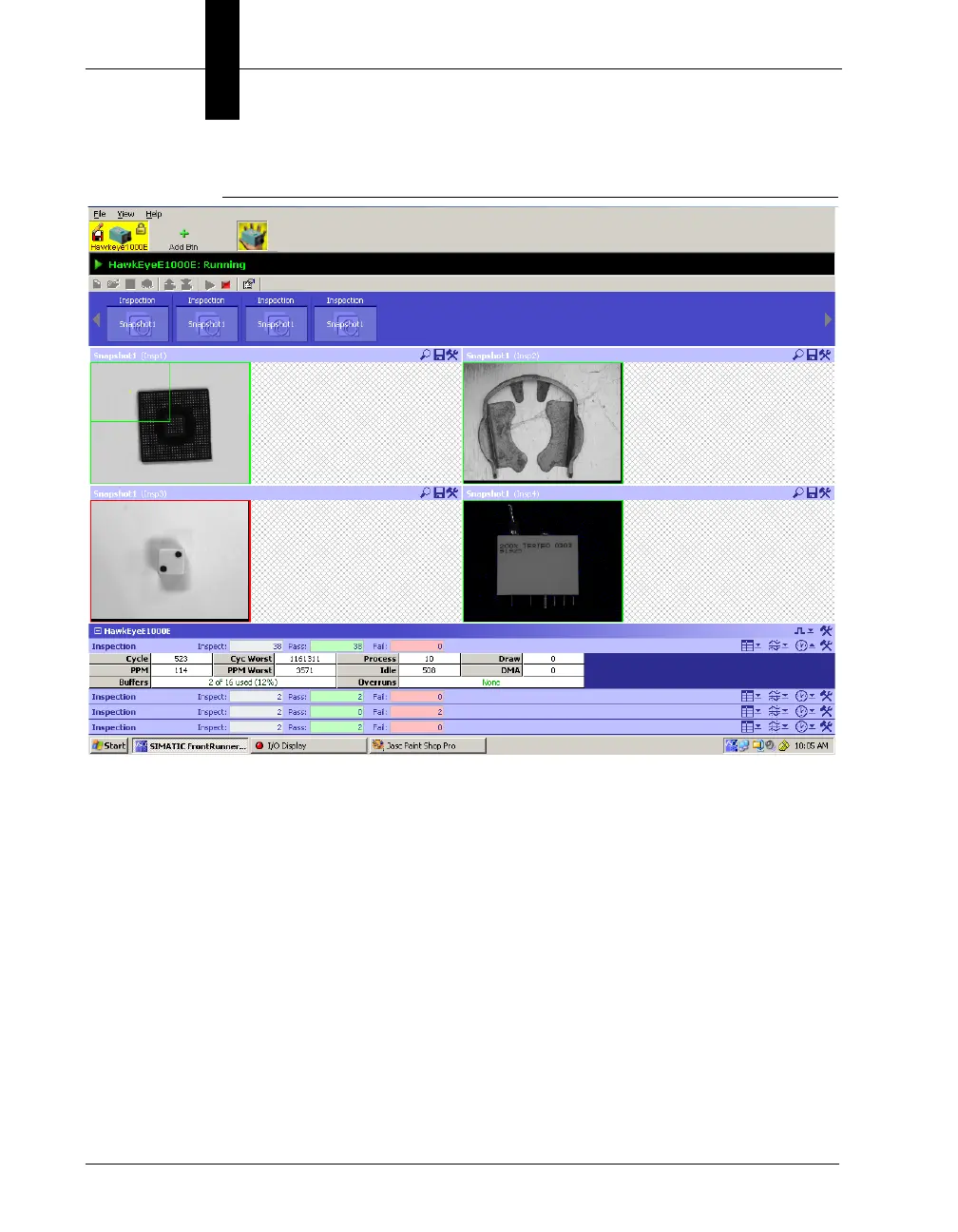
FIGURE 2–10. Extended Information for Inspection 1
Software Systems
Software Systems are full featured devices (Visionscape
®
V4.1 supports
up to two Software Systems). Software Systems support Load Images
from File mode to acquire an image while running in offline mode.
Software Systems are not simulators or emulators of a GigE Camera or
the VS-1 Smart Camera. Jobs that run on a Software System use the
CPU resources and memory of the host PC. A dongle is required to run
Jobs on a Software Systems fully; otherwise, the Jobs can be loaded or
modified and run on a Software System, but they cannot be saved (this is
the demonstration mode of Visionscape
®
).
When loading a Job created for a supported device, either GigE Camera
or Smart Camera, the Job is not changed and can be used as is. When
loading a Job onto a device, you are prompted to adjust the camera



 To Next Page