Chapter 2 FrontRunner™
2-28 Visionscape FrontRunner™ User’s Manual v4.1.3, April 2012
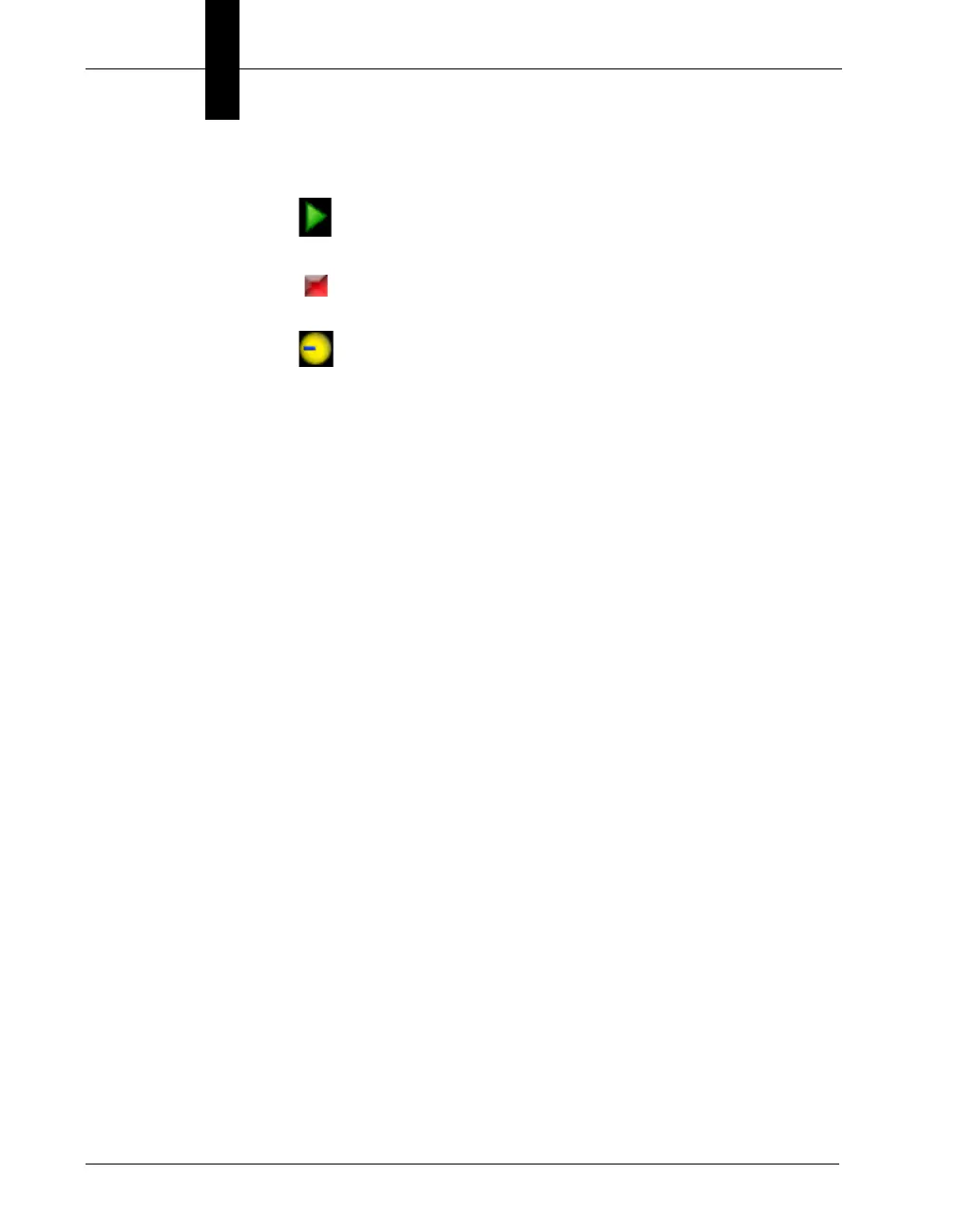
– <device> Running
– <device> Stopped
– FrontRunner™ is performing some operation (please
wait)
• Toolbar — This dynamic toolbar contains icons for FrontRunner™
tools
The Setup Window
FrontRunner™ displays the Setup window after you click Create New
Program or Open Existing Program. This is where you set up the focus
and lighting, etc., for the camera before you acquire a new image. Take a
couple of moments to familiarize yourself with the window.



 To Next Page