Windows You’ll See In FrontRunner™
FrontRunner™
2
v4.1.3, April 2012 Visionscape FrontRunner™ User’s Manual 2-29
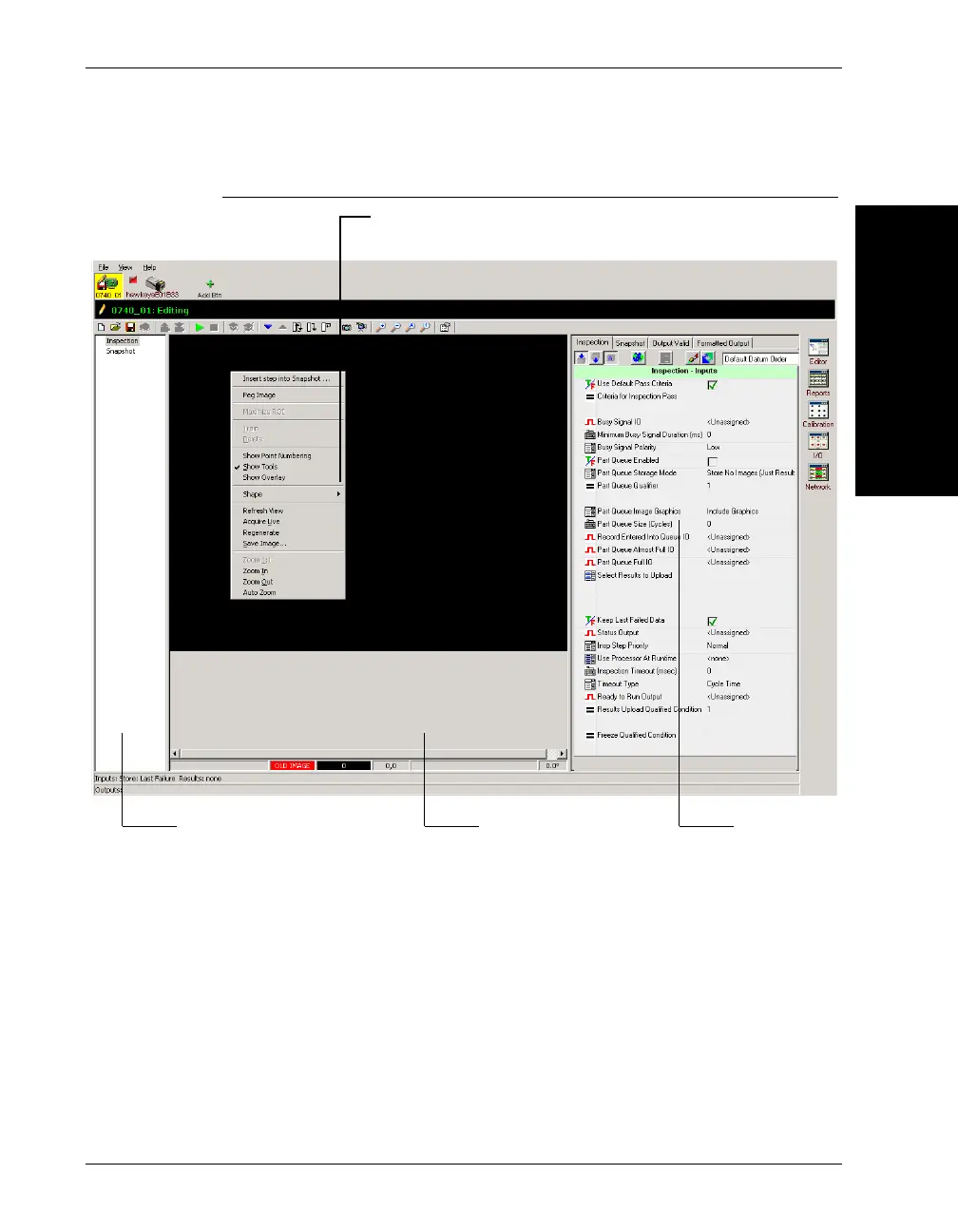
FIGURE 2–14. Setup Window
Notice the button for the Smart Camera named HawkEyeE1000E. This
icon indicates the following:
• The yellow background indicates that you have control of the Smart
Camera
• The pencil indicates that the Job on the PC is being edited
• The red diskette indicates that the current Job on the device has been
changed through editing
Job List
Image Display Area
Properties
Context
Menu



 To Next Page