Chapter 2 FrontRunner™
2-4 Visionscape FrontRunner™ User’s Manual v4.1.3, April 2012
FrontRunner needs a Device on which to operate, so the dialog box in
Figure 2–2 enables you to:
• Create a Software System; see “Adding a Software System” on
page 2-4
• Add a button for a Smart Camera; see “Adding and Controlling a
Smart Camera” on page 2-5
• Quit out of the dialog box and remain at the main FrontRunner
window
Adding a Software System
To add a Software System:
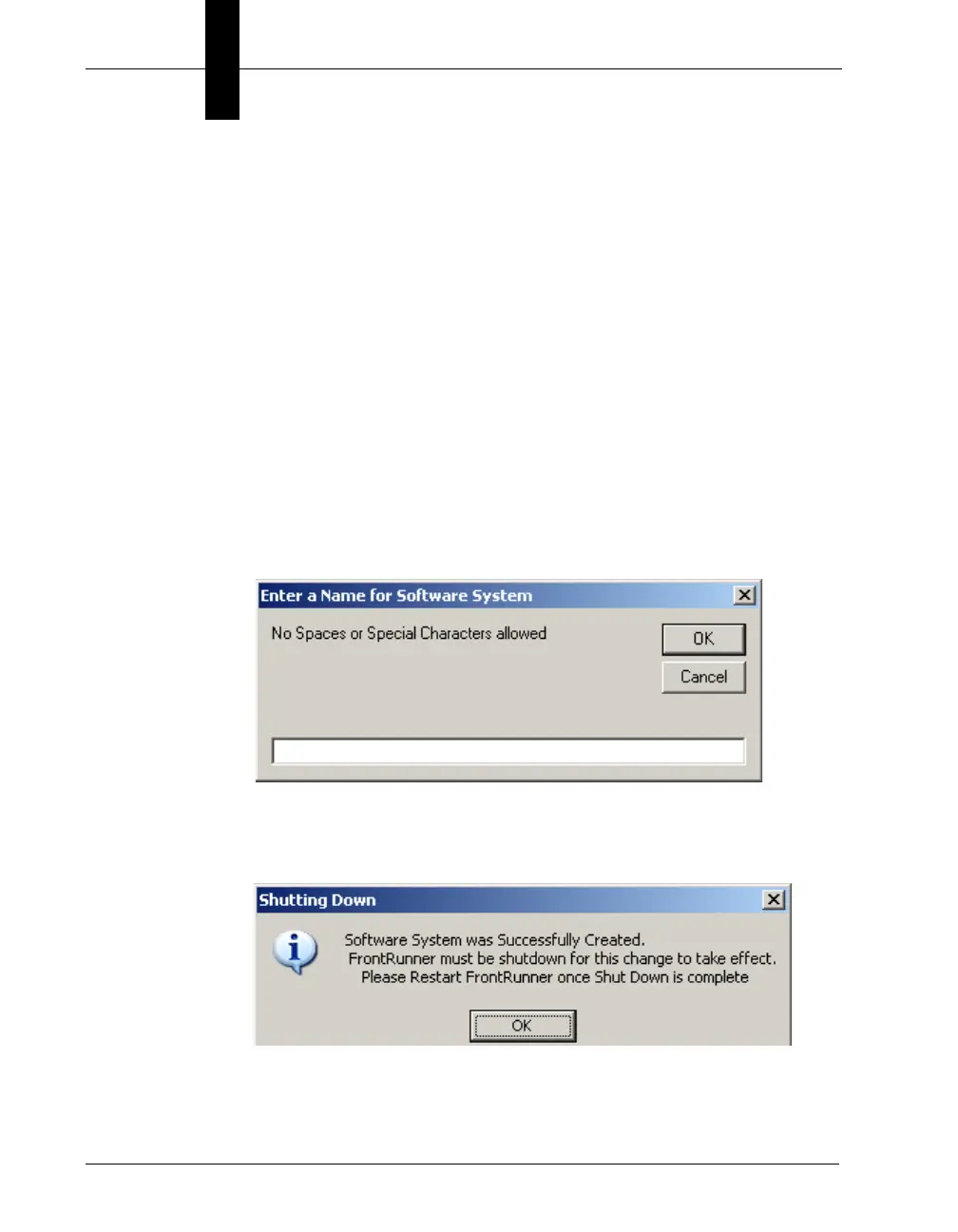
1. From the dialog box in Figure 2–2, click Add Software System.
FrontRunner displays the following dialog box:
2. Enter a name for the Software System, and click OK.
FrontRunner displays the following dialog box:
3. Click OK.



 To Next Page