Chapter 2 FrontRunner™
2-26 Visionscape FrontRunner™ User’s Manual v4.1.3, April 2012
between them is displayed at the bottom of the main window. This
time is continuously adjusted as the tools move.
Camera Calibration
For complete information about calibrating the VS-1 Smart Camera, see
Chapter 3, “Camera Calibration”.
The Part Queue
For complete information about the Part Queue, see Chapter 4, “The Part
Queue”.
Windows You’ll See In FrontRunner™
The Main FrontRunner™ Window
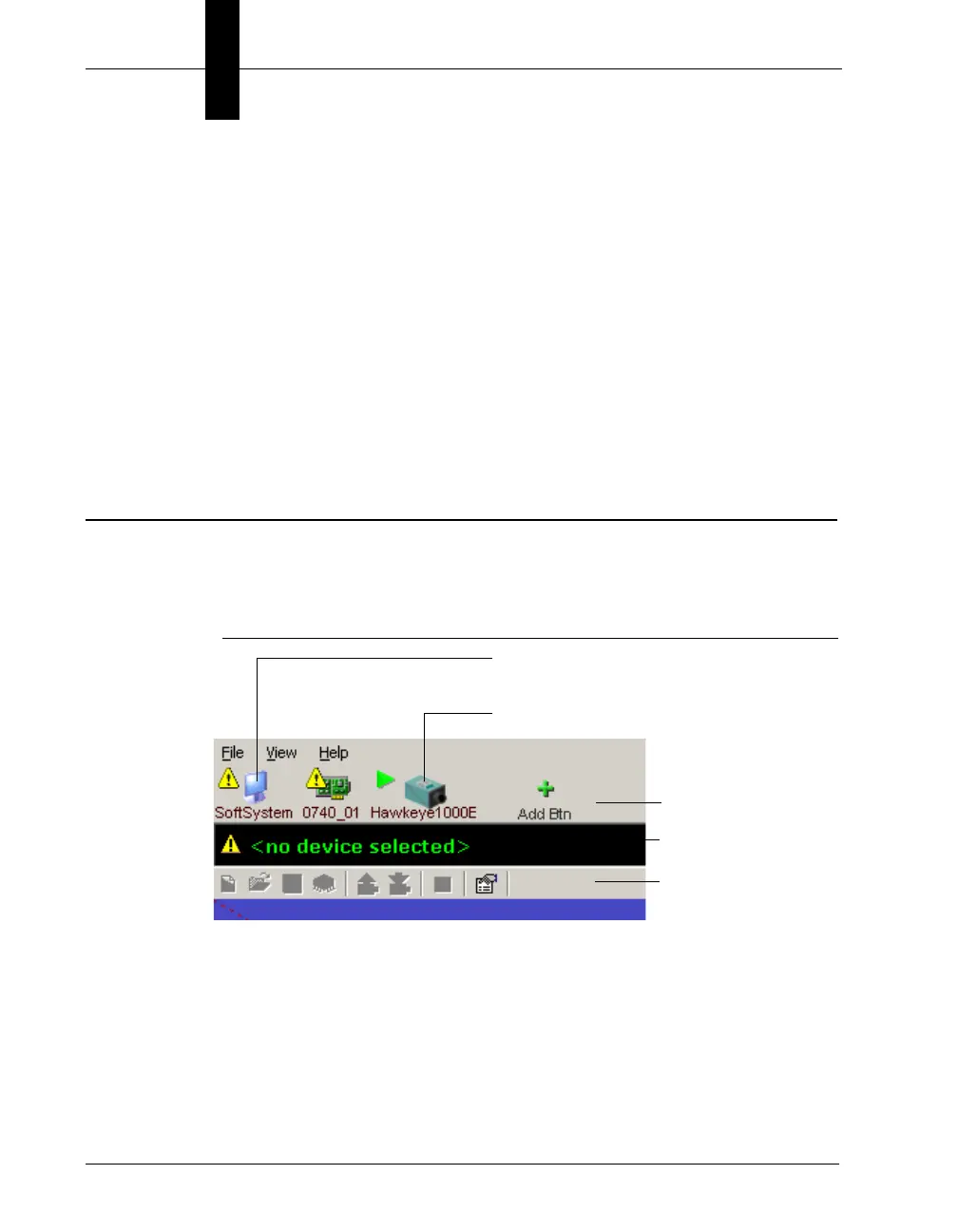
FIGURE 2–13. Main FrontRunner™ Window
This is the main FrontRunner™ window. Take a couple of moments to
familiarize yourself with it. Notice the following:
• Device Buttons — This area contains device buttons for Software
Systems, Visionscape
®
GigE Cameras, and VS-1 Smart Cameras on
the network:
– You can add and delete buttons for Software Systems:
Device Buttons
Device Bar
Toolbar
Software System button
VS-1 Smart Camera button



 To Next Page