Advanced Concepts
FrontRunner™
2
v4.1.3, April 2012 Visionscape FrontRunner™ User’s Manual 2-23
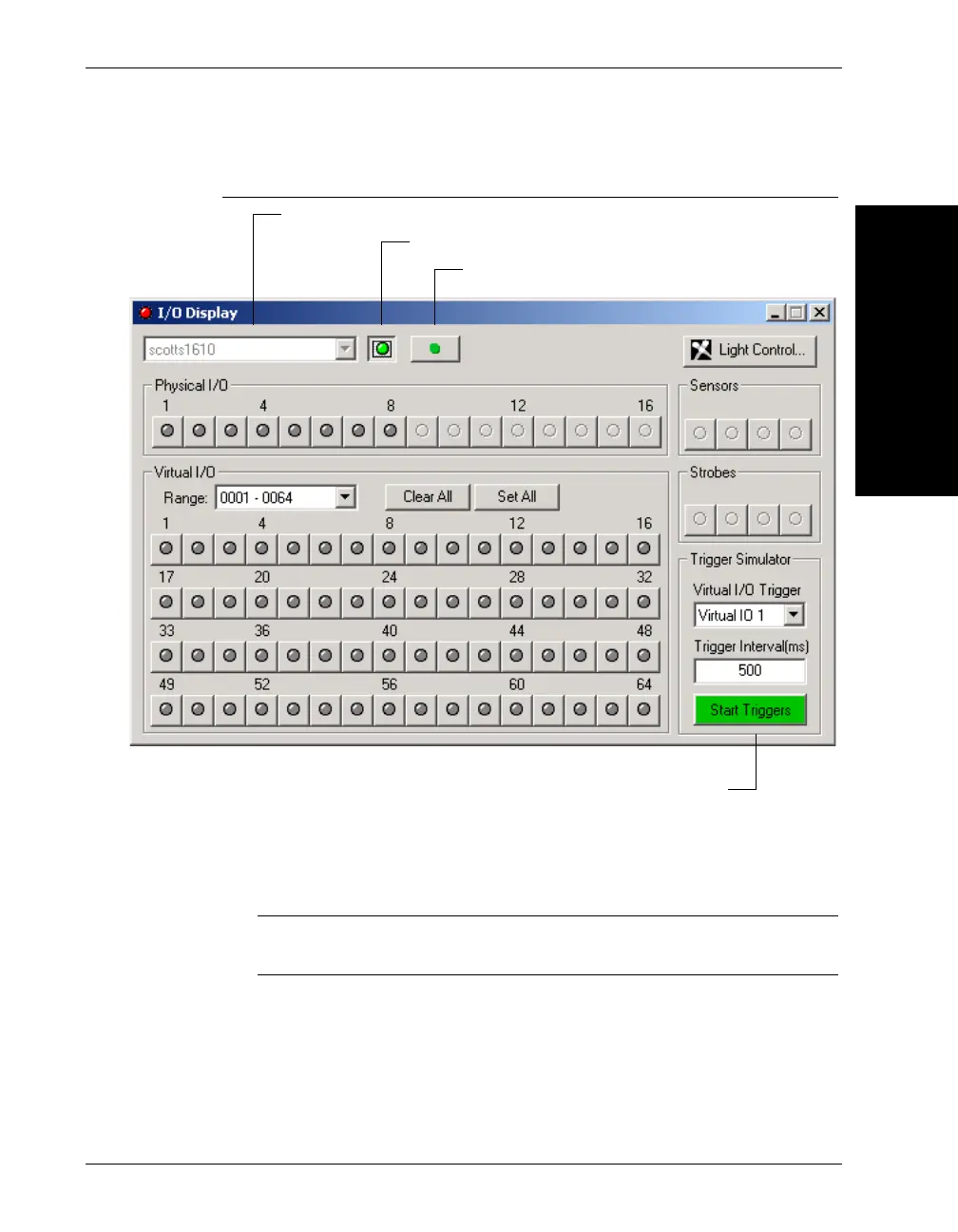
FIGURE 2–11. I/O Display Window
9. In the I/O Display window, select your Smart Camera.
10. Click Connect/Disconnect.
Note: When the Connect/Disconnect button is green, you are
connected.
11. Select the Virtual I/O trigger (lower right hand side of screen) you
selected previously in the Acquire properties page.
12. By default, the Trigger Interval is 500 ms. Change this now if you
want to.
Select a Device
Connect/Disconnect
Start Triggers
Click to record transitions in a DSS file



 To Next Page