Chapter 2 FrontRunner™
2-36 Visionscape FrontRunner™ User’s Manual v4.1.3, April 2012
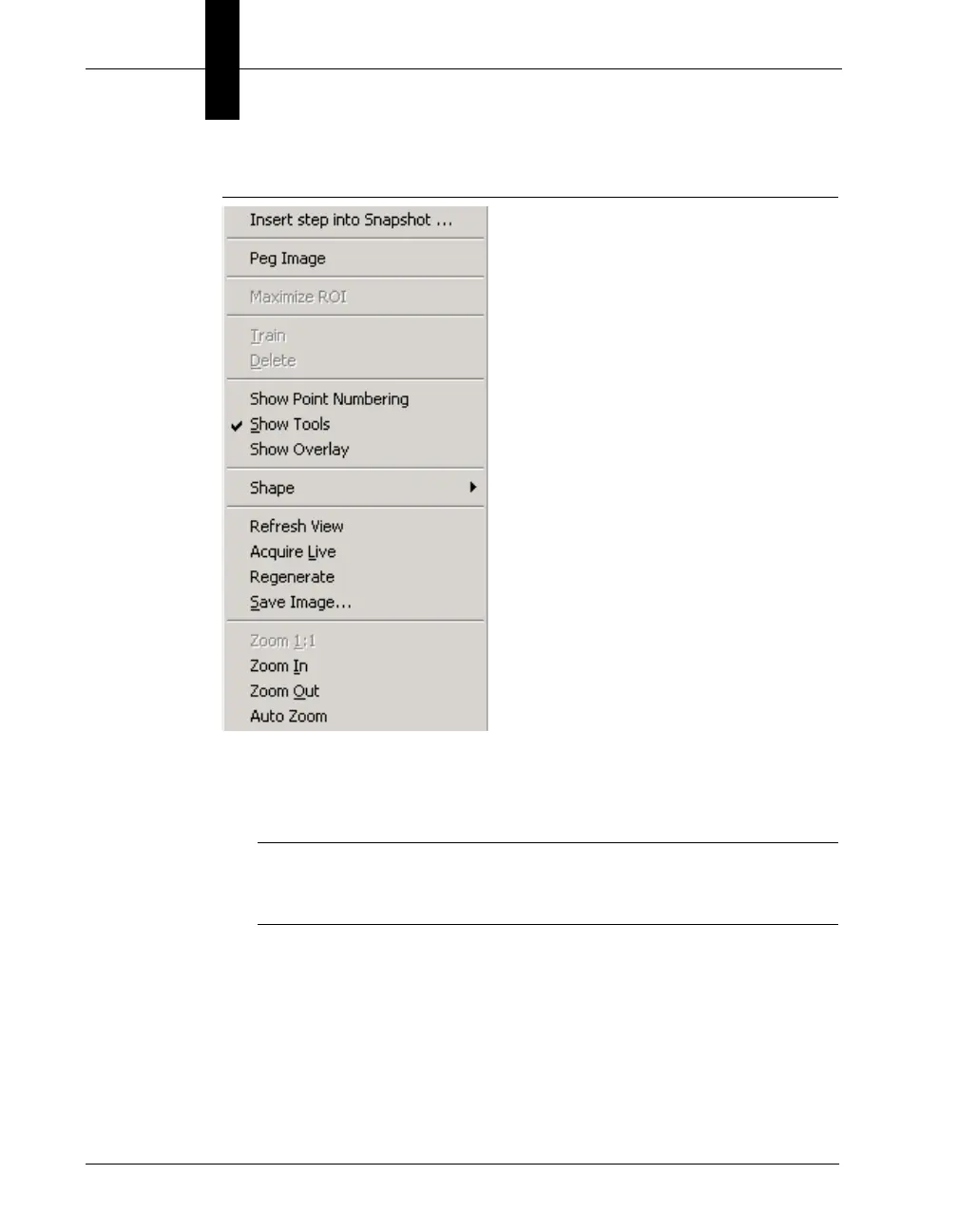
FIGURE 2–16. Context Menu
• Insert Step Into Snapshot... — Opens up the Insert Tool Dialog Box
into the Snapshot tool. The tool position will be defaulted towards the
top-left of the image with size 100x100.
Note: If this menu option is selected while the mouse is inside a tool
in the Image, a new menu entry is available: “Insert Step into <current
tool>...”.
• Peg Image — In Tryout in a Loop or Try Once “pegs” the image
currently being displayed so that any sub-image of other tools are not
displayed in succession while the avp runs.
• Maximize ROI — Makes the current Step ROI be the size of the
image it is in.



 To Next Page