EasyManua.ls Logo

Microscan Visionscape FrontRunner - Page 91

Microscan Visionscape FrontRunner
152 pages
Print Icon
To Next Page IconTo Next Page
To Previous Page IconTo Previous Page
Loading...
Miscellaneous
FrontRunner™
2
v4.1.3, April 2012 Visionscape FrontRunner™ User’s Manual 2-69
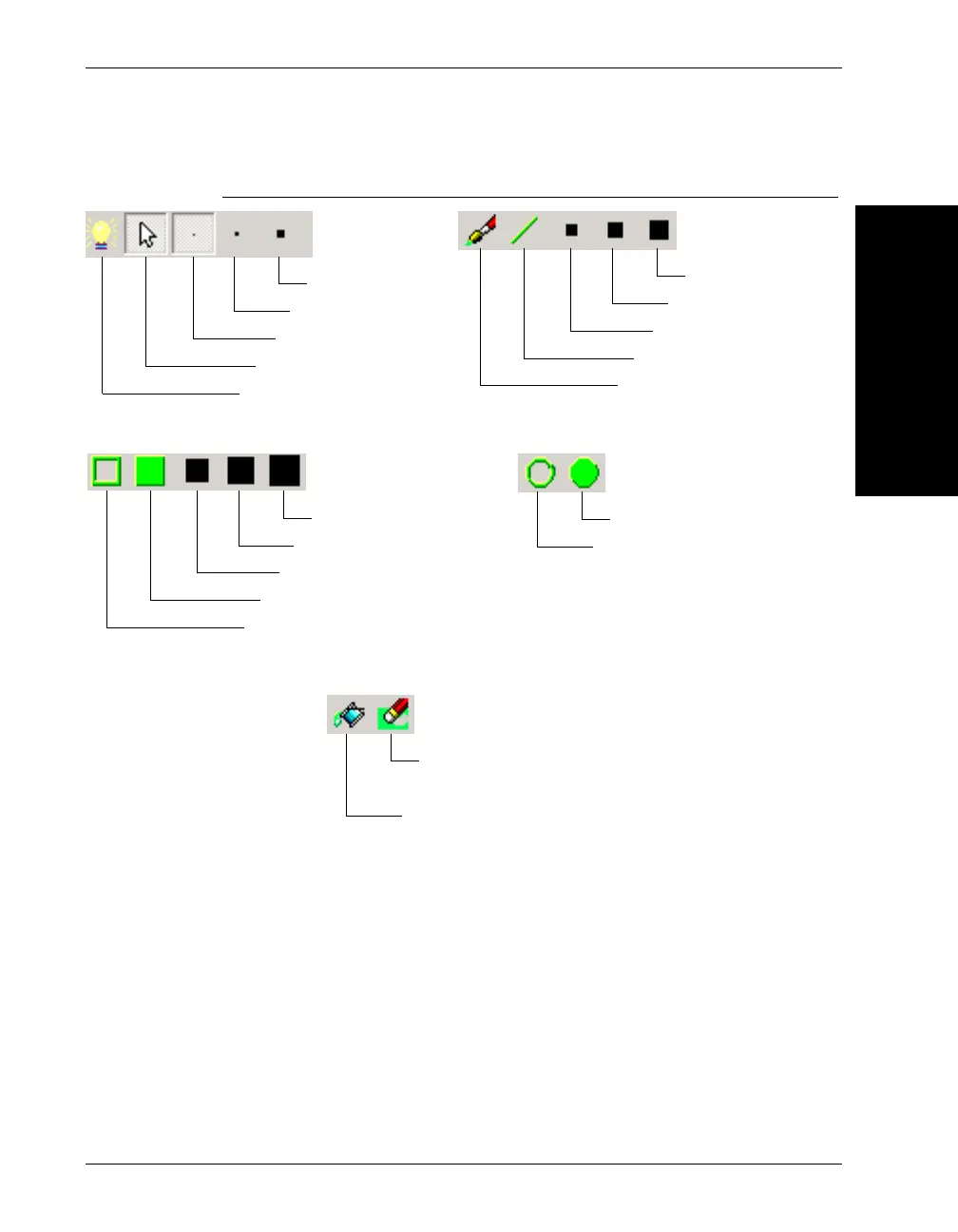
FIGURE 2–34. ROI Masking Toolbar Descriptions
Fill ROI — Fills the entire ROI of the masked tool.
Clear ROI — Erases the entire ROI of the masked tool.
Enable/Disable the mask
Use normal tool insertion
1x1 square pen
2x2 square pen
4x4 square pen
Draw free-style with a brush
Draw solid lines
6x6 square pen
8x8 square pen
10x10 square pen
Draw unfilled rectangles
Draw filled rectangles
12x12 square pen
14x14 square pen
16x16 square pen
Draw unfilled circles
Draw filled circles
Fill connected areas
Erase Mask instead
of Draw Mask

Related product manuals