Using Robust Calibration
Camera Calibration
3
v4.1.3, April 2012 Visionscape FrontRunner™ User’s Manual 3-7
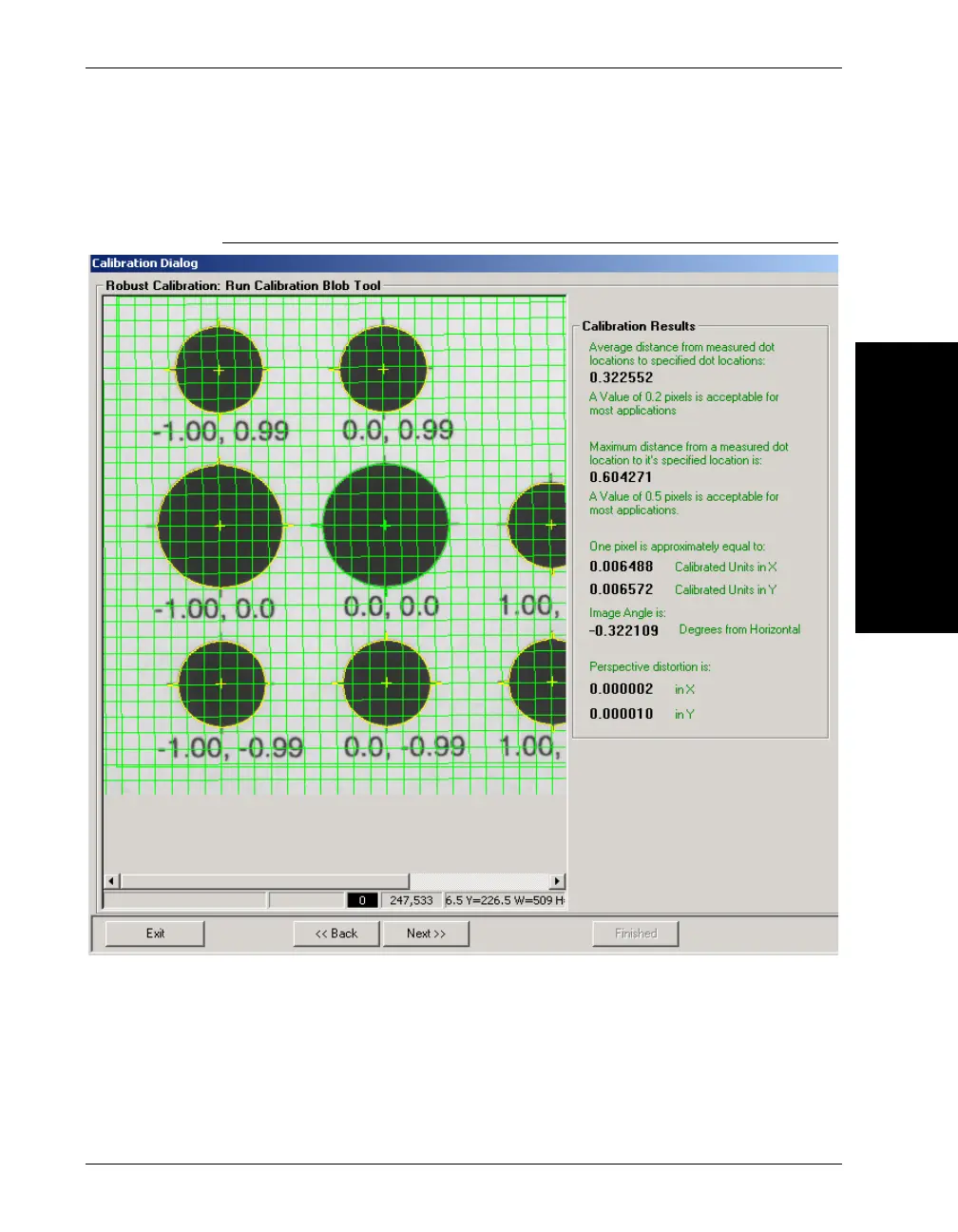
FrontRunner™ displays a screen similar to the one in Figure 3–5.
FIGURE 3–5. Calibration Results
The grid lines are drawn to give you a sense of the angle of the target
and the amount of perspective distortion that is present in your image.
The “Calibration Results” panel on the right side of the dialog will give
you some statistics on your calibration results. If you are not satisfied
with the calibration results, click Back and return to the previous page
where you can adjust your image or Blob parameters and try again.



 To Next Page