14. Continue with Making Your Array Bootablearrays making an array bootablebootable arrays.
6.2.2 Creating an Array with maxView Storage Manager
This section describes how to use the maxView Storage Manager conguration wizard to build an array.
Note: Before you begin, download the maxView Storage Manager bootable USB image
at start.microsemi.com, then copy the bootable image to a USB ash drive. For details,
refer to the maxView Storage Manager User's Guide.
To create a RAID 5 array:
1. Insert the bootable USB drive on the machine you want to congure.
The Boot menu opens in a shell window.
2. Select Launch maxView from the menu.
After a minute or so, the maxView Storage Manager login screen opens in a browser window.
3. Enter root/root for the login credentials.
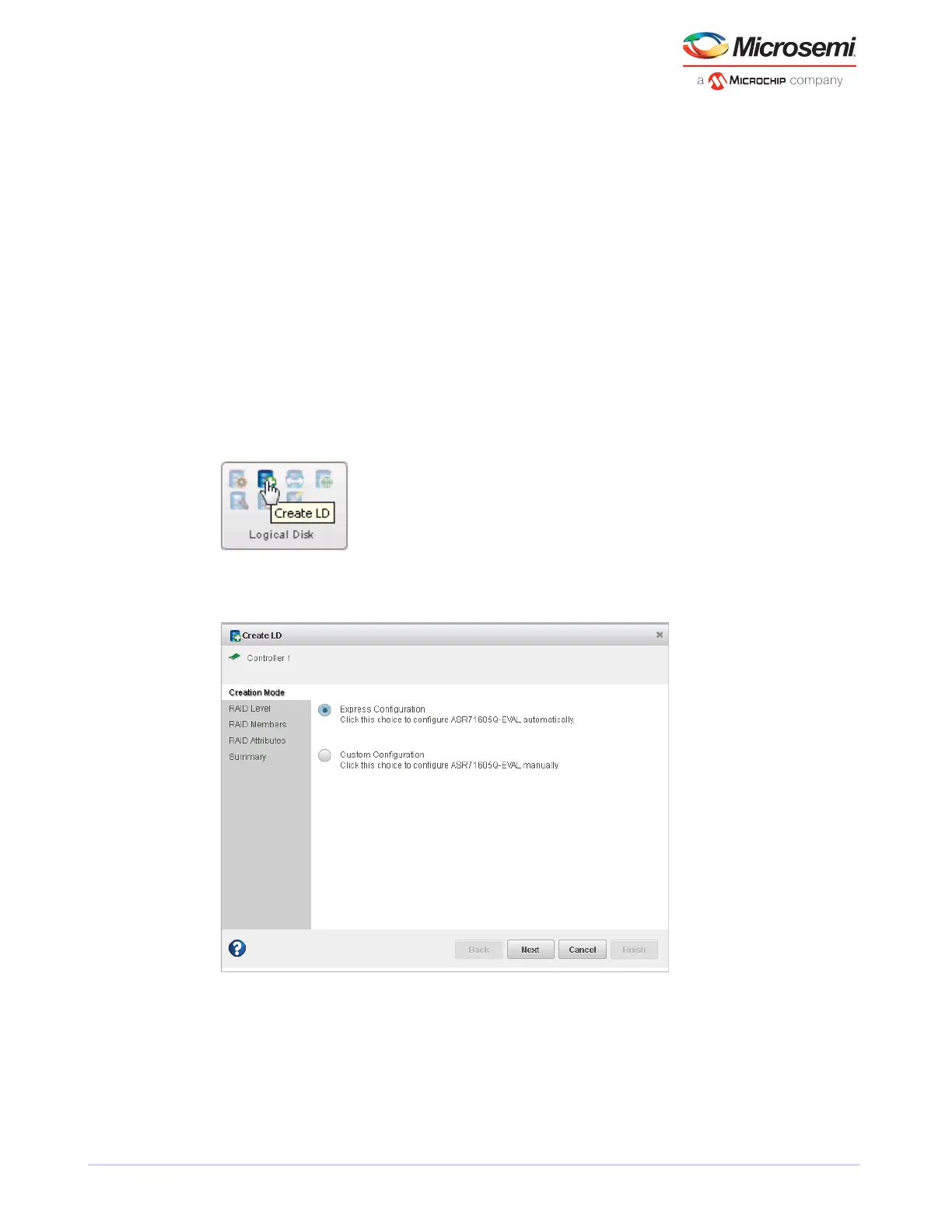
4. On the ribbon, in the Logical Disk group, click Create Logical Drive.
5. When the wizard opens, ensure that Express Conguration is selected, then click Next.
6. Review the logical drive conguration summary.
Note: maxView Storage Manager uses the term logical drive when referring to an
array (see Terminology Used in this Guideterminology).
The following example shows a RAID 5 array, ready to be created.
26
Microsemi Proprietary and Condential. Installation and User's Guide Revision 5
Creating a Bootable Array



 To Next Page