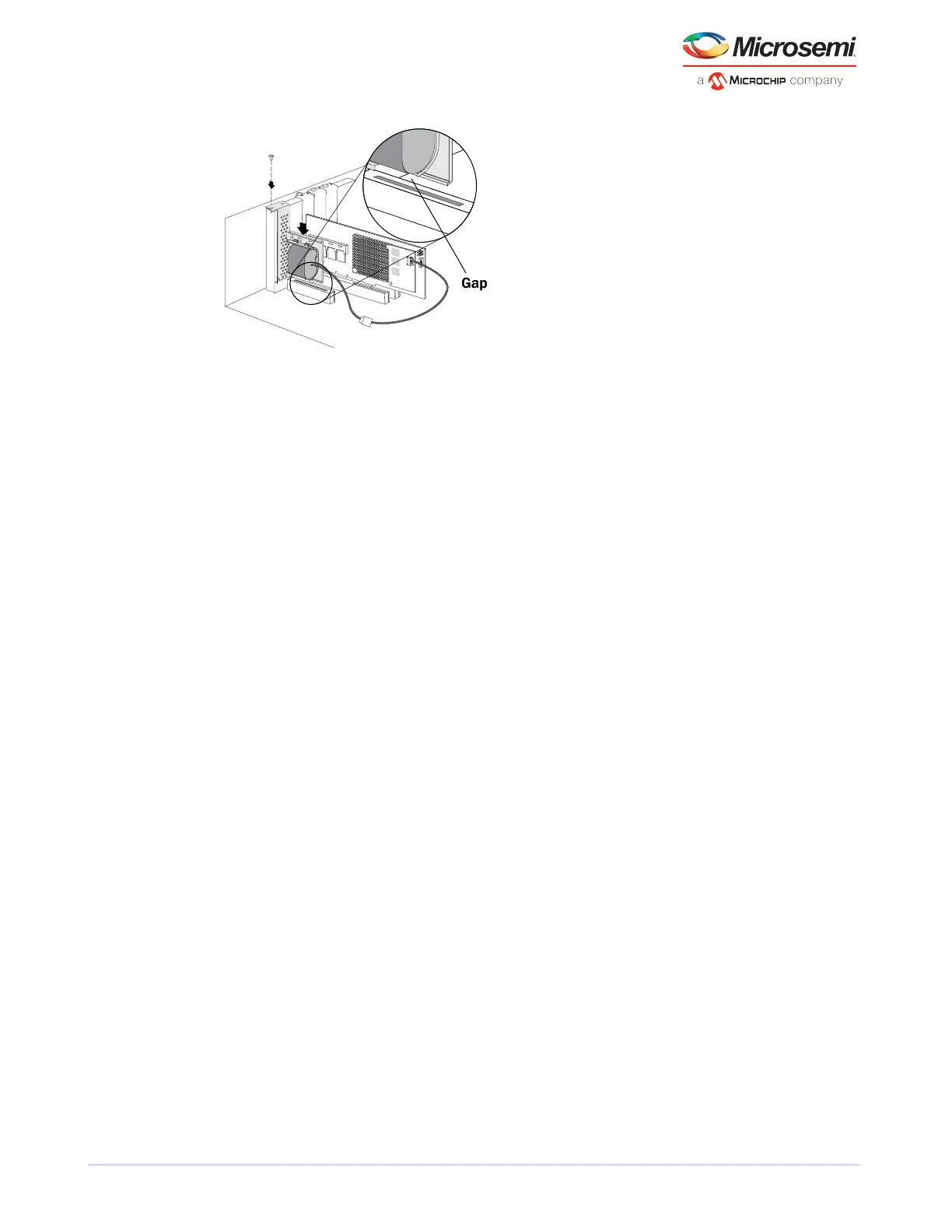
7. Prepare and install your internal disk drives, following the instructions in Connecting Disk Drives to Your
Controllersinstallation disk drivesdisk drives connecting to controllerscontrollers connecting disk drives.
If you are not installing internal disk drives, close your computer cabinet, reattach the power cord, then
continue with Connecting External Devices installation external devicesexternal devicescontrollers
connecting external devicesdisk drives external.
8. Restart your computer.
The supercapacitor starts charging automatically. It should reach full charge in 5-6 minutes.
5.3 Connecting Disk Drives to Your Controllers
You can connect SAS disk drives, SATA disk drives, and SATA and SAS Solid State Drives (SSDs) to your
Microsemi Adaptec RAID controller. (See www.adaptec.com/compatibility for a list of compatible drives.)
There are no jumpers or switches to set before installation.
If you plan to build a bootable array, ensure that you install at least the minimum number disk drives
required to support the RAID level you want. See Choosing a RAID LevelRAID levelscontrollers RAID levels
for more information.
Note: Although you can connect both SAS and SATA disk drives to your SAS controller,
we recommend that you do not combine SAS and SATA disk drives within the same array.
See What is SAS?SAS description for more information.
You have two connection options:
• To connect directly to the controller, see the following section.
• To connect to a backplane, see Connecting Drives to a System Backplaneinstallation backplanebackplane
connections.
To connect Solid State Drives to your controller, see Connecting Solid State Drives (SSDs) maxCache Solid
State Drive installinginstallation solid state drivesSolid State Drive (SSD) installing.
5.3.1 Connecting Drives Directly to the Controller
In a direct-attach connection, SAS or SATA disk drives are connected directly to a SAS card with SAS cables.
The number of direct-attached disk drives is limited to four per internal SAS connector. (For more information
about direct-attach connections, see How are Disk Drives Identied in SAS? SAS disk drive identiersdisk
drives SAS identiersdisk drivesSAS disk drives.)
1. Install your internal SAS or SATA disk drives, following the instructions in your system's documentation.
2. Use internal SAS, mini-SAS, or mini-SAS HD cables to attach the disk drives to the controller, as required.
20
Microsemi Proprietary and Condential. Installation and User's Guide Revision 5
Installing the Controller and Disk Drives



 To Next Page