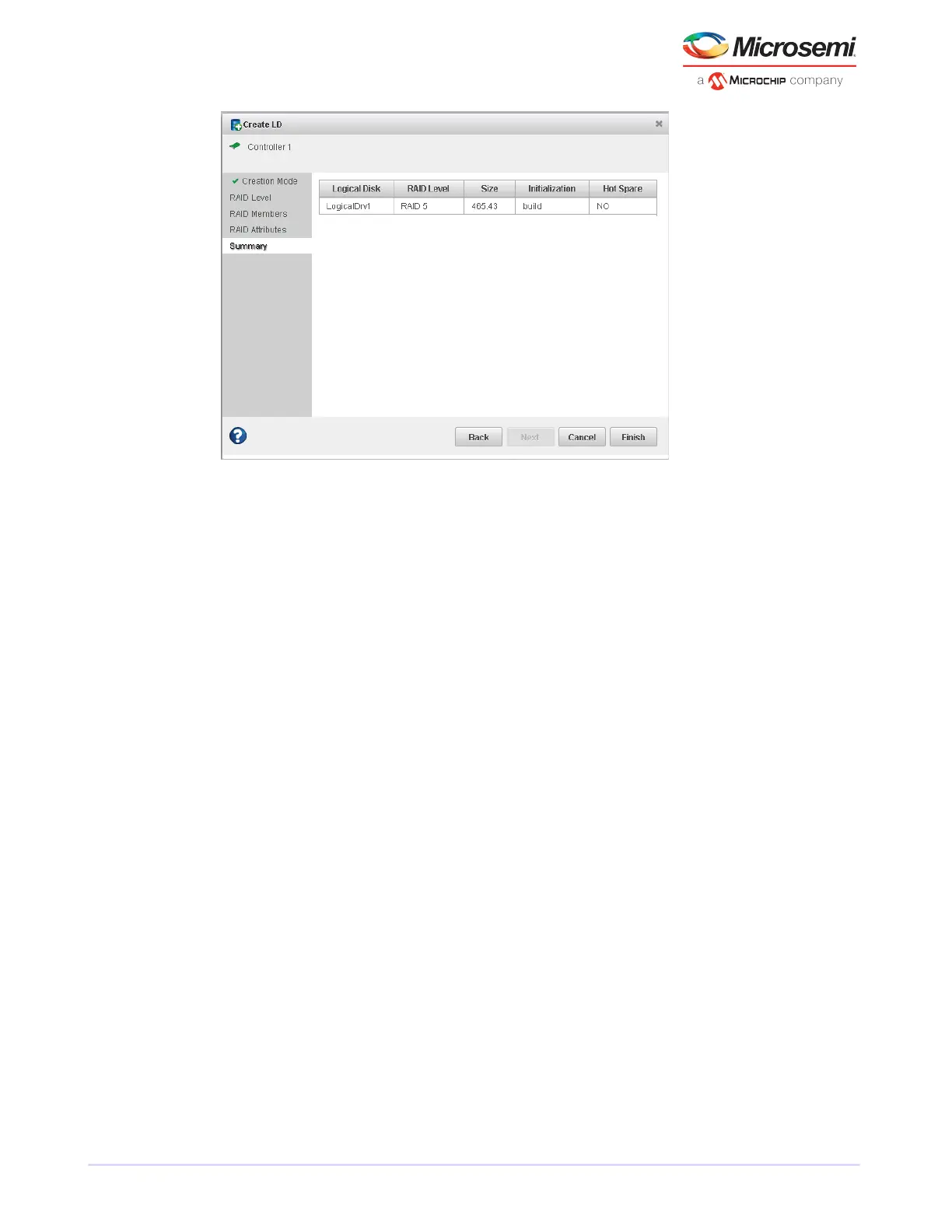
7. Click Finish.
maxView Storage Manager builds the logical drives.
8. Partition and format the logical drive(s).
The logical drives you created appear as a physical disk drives on your operating system. You must
partition and format these logical drives before you can use them to store data.
9. Close all windows, remove the bootable USB drive, then restart your system.
For information about installing and using maxView Storage Manager as a full software application, see
the maxView Storage Manager User's Guide.
10. Continue with the following section.
6.3 Making Your Array Bootable
Use the ARC Utility to make the array bootable (see Creating Bootable ArraysARC creating bootable
arraysarrays creating bootable arraysbootable arrays creating).
Then continue with Installing the Driver and an Operating System installation driver and operating
systemdriver and operating system installationoperating system installation.
27
Microsemi Proprietary and Condential. Installation and User's Guide Revision 5
Creating a Bootable Array



 To Next Page