MICROSENS 8 Port Gigabit Ethernet Switch User’s Manual
11
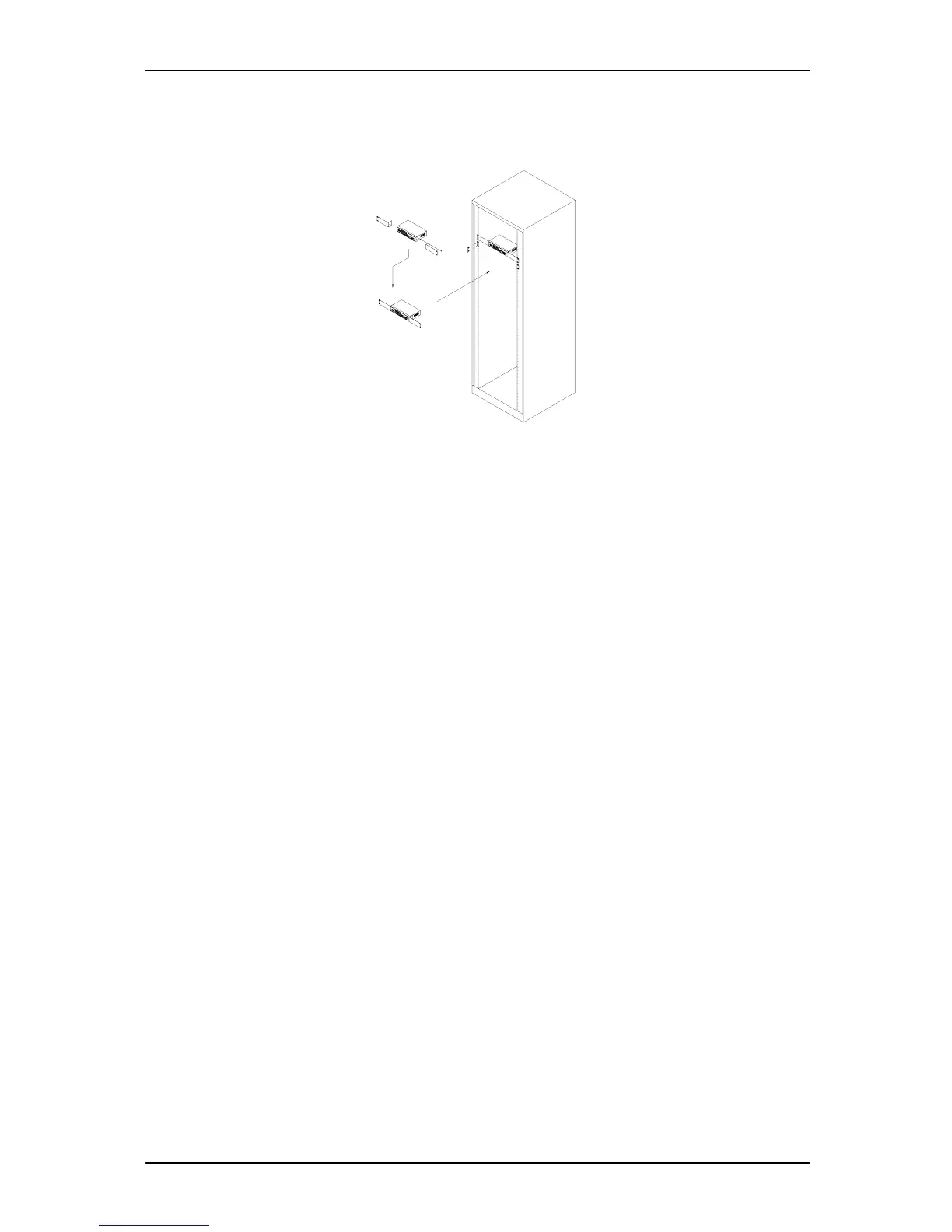
2-1-2. Installing Chassis to a 19-Inch Wiring Closet Rail
Caution: Allow a proper spacing and proper air ventilation for the cooling fan
at both sides of the chassis.
⇒ Wear a grounding device for electrostatic discharge.
⇒ Screw the mounting accessory to the front side of the switch (See Fig. 2-2).
⇒ Place the Chassis into the 19-inch wiring closet rail and locate it at the proper position. Then,
fix the Chassis by screwing it.
2-1-3. Cabling Requirements
To help ensure a successful installation and keep the network performance good, please
take a care on the cabling requirement. Cables with worse specification will render the LAN to
work poorly.
Fig. 2-2



 To Next Page