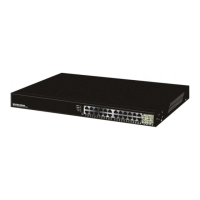
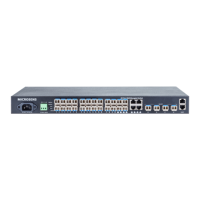
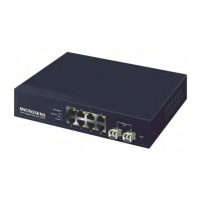
MICROSENS 8 Port Gigabit Ethernet Switch User’s Manual
4
1-2. Checklist
Before you start installing the switch, verify that the package contains the following:
⎯ A set of 8 Port Gigabit Ethernet Switch
⎯ Modules (optional)
⎯ This User's Manual in CD-ROM
⎯ AC Power Cord
⎯ RS-232 Cable
Please notify your sales representative immediately if any of the aforementioned items is
missing or damaged.
1-3. Features
The 8 Port Gigabit Ethernet Switch, a standalone off-the-shelf switch, provides the
comprehensive features listed below for users to perform system network administration and
efficiently and securely serve your network.
• Hardware
• 6 10/100/1000Mbps Auto-negotiation Gigabit Ethernet TP ports
• 2 10/100/1000Mbps TP or 1000Mbps SFP Fiber dual media auto sense
• 144KB on-chip frame buffer
• Jumbo frame support
• Programmable classifier for QoS (Layer 4/Multimedia)
• 8K MAC address and 4K VLAN support (IEEE802.1Q)
• Per-port shaping, policing, and Broadcast Storm Control
• IEEE802.1Q-in-Q nested VLAN support
• Full-duplex flow control (IEEE802.3x) and half-duplex backpressure
• Extensive front-panel diagnostic LEDs; System: Power, TP Port1-8: LINK/ACT,
10/100/1000Mbps, SFP Port 7, 8: SFP(LINK/ACT)
• Management
• Supports concisely the status of port and easily port configuration
• Supports per port traffic monitoring counters
• Supports a snapshot of the system Information when you login
• Supports port mirror function
• Supports the static trunk function


 To Next Page