MICROSENS 8 Port Gigabit Ethernet Switch User’s Manual
81
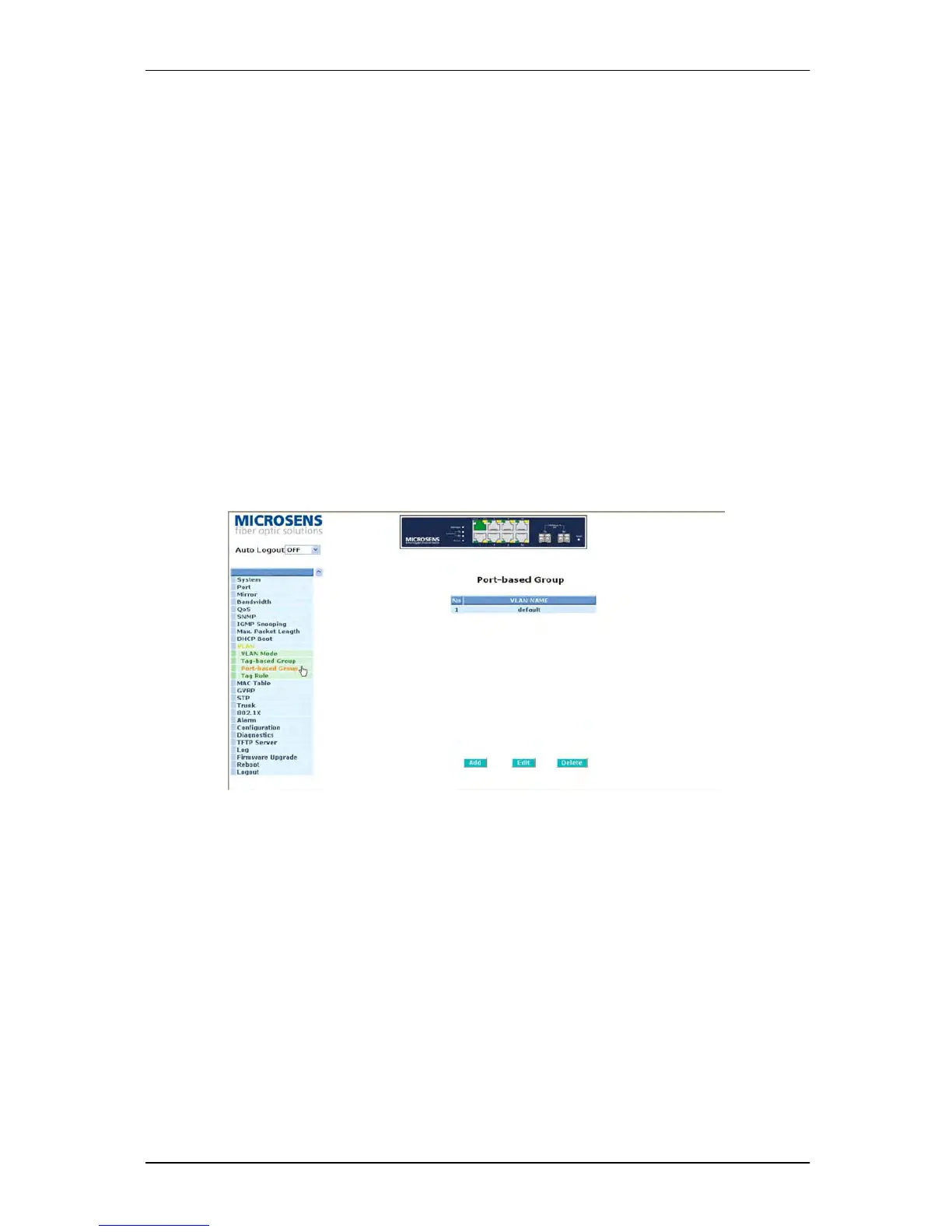
3-10-3. Port-based Group
Function name:
Port-based Group Configuration
Function description:
It shows the information of the existed Port-based VLAN Groups. You can easily create, edit
and delete a Port-based VLAN group by pressing <Add>, <Edit> and <Delete> function
buttons. User can add a new VLAN group by inputting a new VLAN name.
Parameter description:
VLAN Name:
The name defined by administrator is associated with a VLAN group. Valid letters are
A-Z, a-z, 0-9, “
- “ and “_” characters. The maximal length is 15 characters.
Member:
This is used to enable or disable if a port is a member of the new added VLAN,
“Enable” means it is a member of the VLAN. Just tick the check box (
) beside the
port x to enable it.
Fig. 3-33



 To Next Page