MICROSENS 8 Port Gigabit Ethernet Switch User’s Manual
82
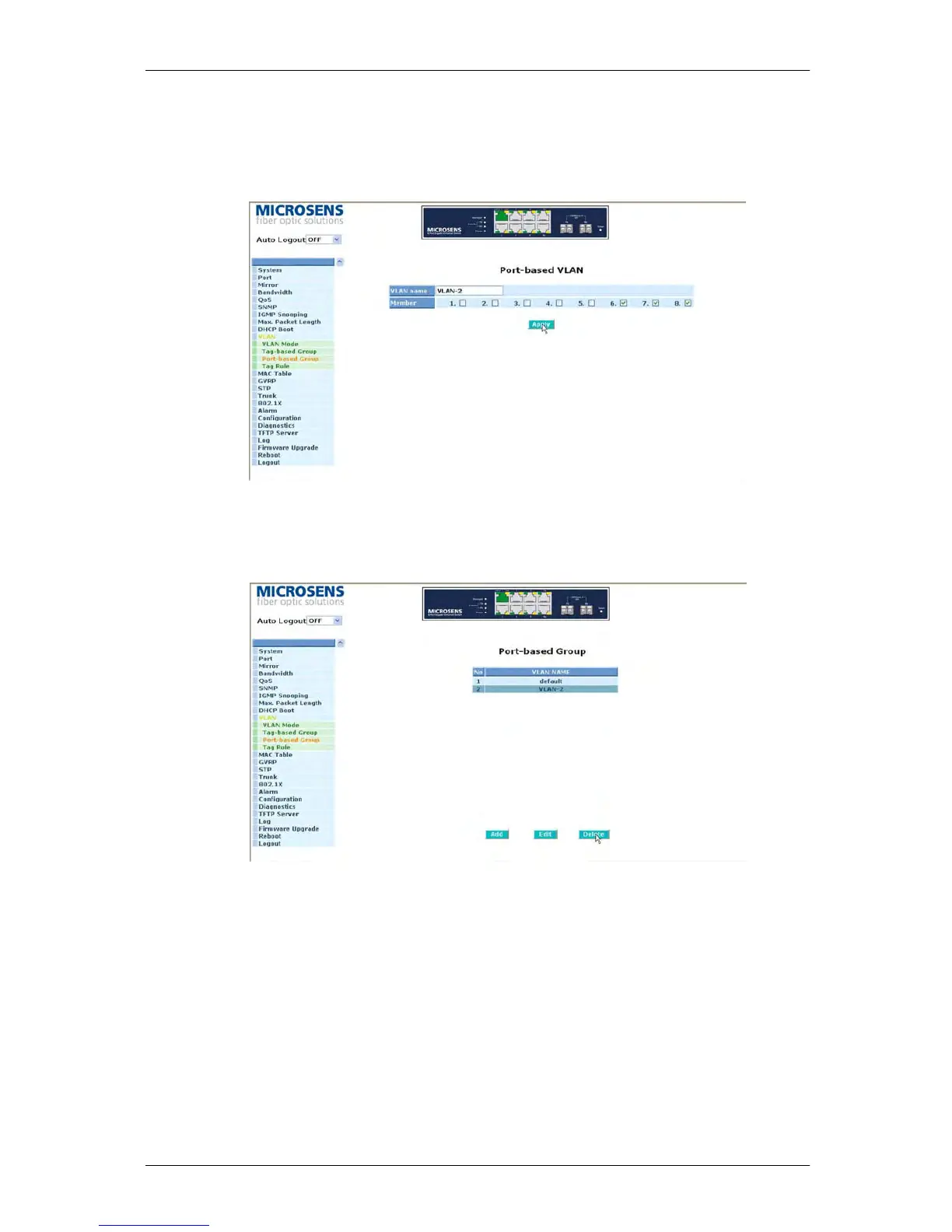
Add Group:
Create a new Port-based VLAN. Input the VLAN name and choose the member by
ticking the check box beside the port No., then, press the <Apply> button to have the
setting taken effect.
Fig. 3-34
Delete Group:
Just press the <Delete> button to remove the selected group entry from the Port-
based group table.
Fig. 3-35
Edit a group:
Just select a group entry and press the <Edit> button, then you can modify a group‘s
description and member set.



 To Next Page