Manual Number 9018233 Revision C, February 21, 2022
23
SECTION 5 CONFORMANCE
5.1 INSTRUCTIONS FOR CONTINUED AIRWORTHINESS
Pressure System and Altimeter Verification
Per federal regulation 14 CFR 91.411, it is required that each static pressure system and
each altimeter have been tested and inspected within the last twenty-four (24) months.
Software Updates
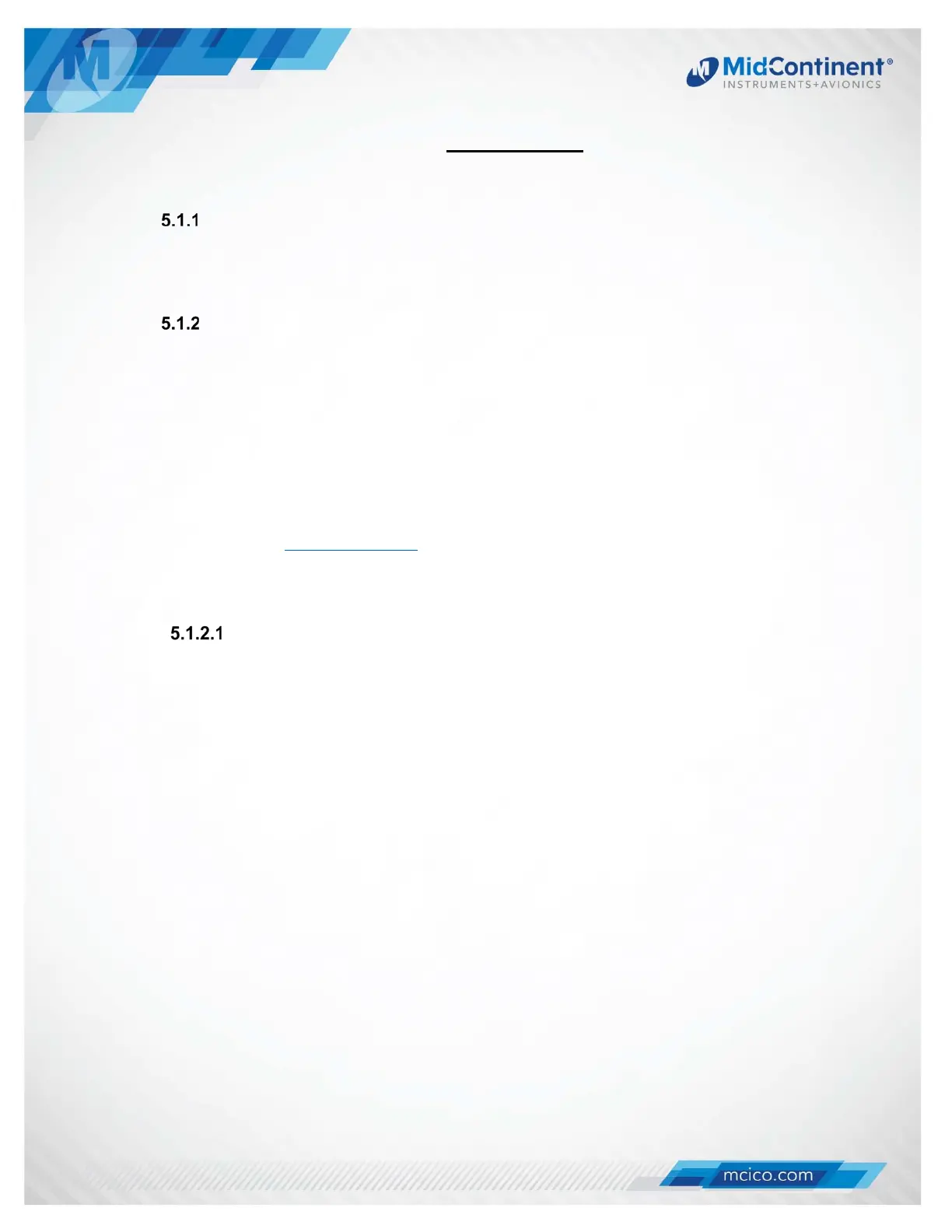
Mid-Continent will have, on occasion, the need to update the software of the MD302
to maintain, improve and/or enhance functionality or performance.
With the MD302’s easy field-upgrade option, the unit does not have to be returned to
the factory, and in some cases, may not have to be removed from the panel.
Software updates are typically communicated to the public via Service Bulletins
issued by Mid-Continent Instruments and Avionics and can be found on the product
website, www.flySAM.com. Below are instructions for updating the unit software.
Please read through all instructions before beginning.
PREPARATION
1. Prepare software update file.
a. Download the approved software file to the root directory of a standard FAT-
formatted USB flash drive from www.flySAM.com/software-updates. The
downloaded file must retain the exact file name.
2. Ensure that the unit is powered off.
3. Remove the unit from the instrument panel.
a. Remove the four mounting screws attaching the bezel of the unit to the panel.
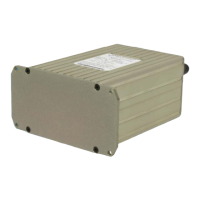
b. Pull the unit forward until the end plate is accessible.
NOTE: This can be done without removing the electrical connector or pneumatic
connections if the proper service lengths were applied during installation.
4. Loosen the screw of the USB access cover on the rear of the unit until the USB port is
accessible.


 To Next Page