Preva Dental X-ray System User Manual, 00-02-1576, Revision ZA1
28
Five languages are programmed in the display panel. Follow these steps to
change the language.
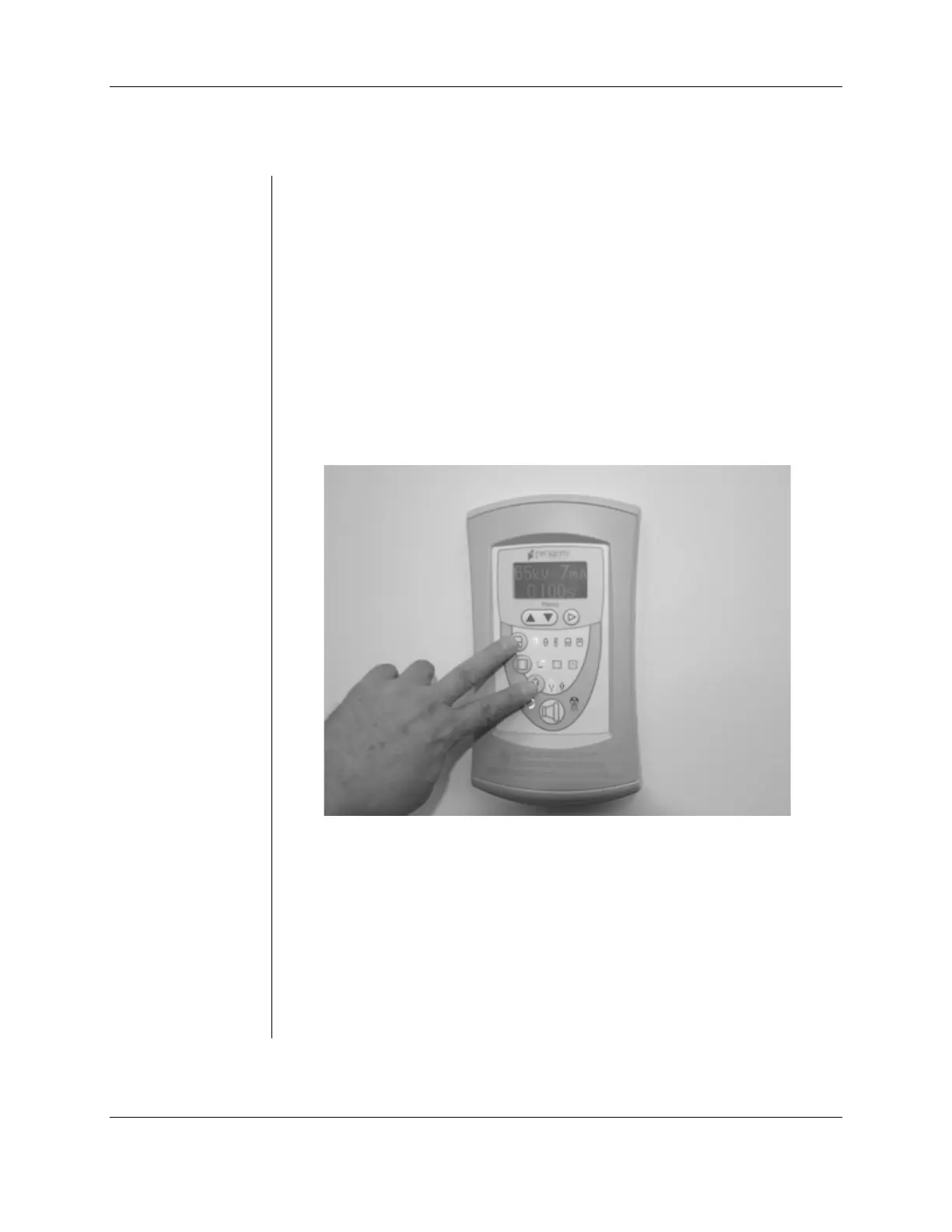
1. Push and hold the Tooth and Patient selection buttons. (See Figure 3) A
menu screen will appear after about 5 seconds.
2. Use the down arrow to highlight “Configure Unit” then press the right
arrow key to select it.
3. “Select Languages” on the following screen will be highlighted. Press the
right arrow key.
4. Select the desired language and press the right arrow key. If the desired
language is not displayed, press the down arrow to reach “More.” Press
the right arrow.
5. Press the down arrow key to reach "Exit" then press the right arrow key
to select it. Repeat this step to return to the main screen.
Figure 3
Preva Operator
Panel



 To Next Page