Preva Dental X-ray System User Manual, 00-02-1576, Revision ZA1
30
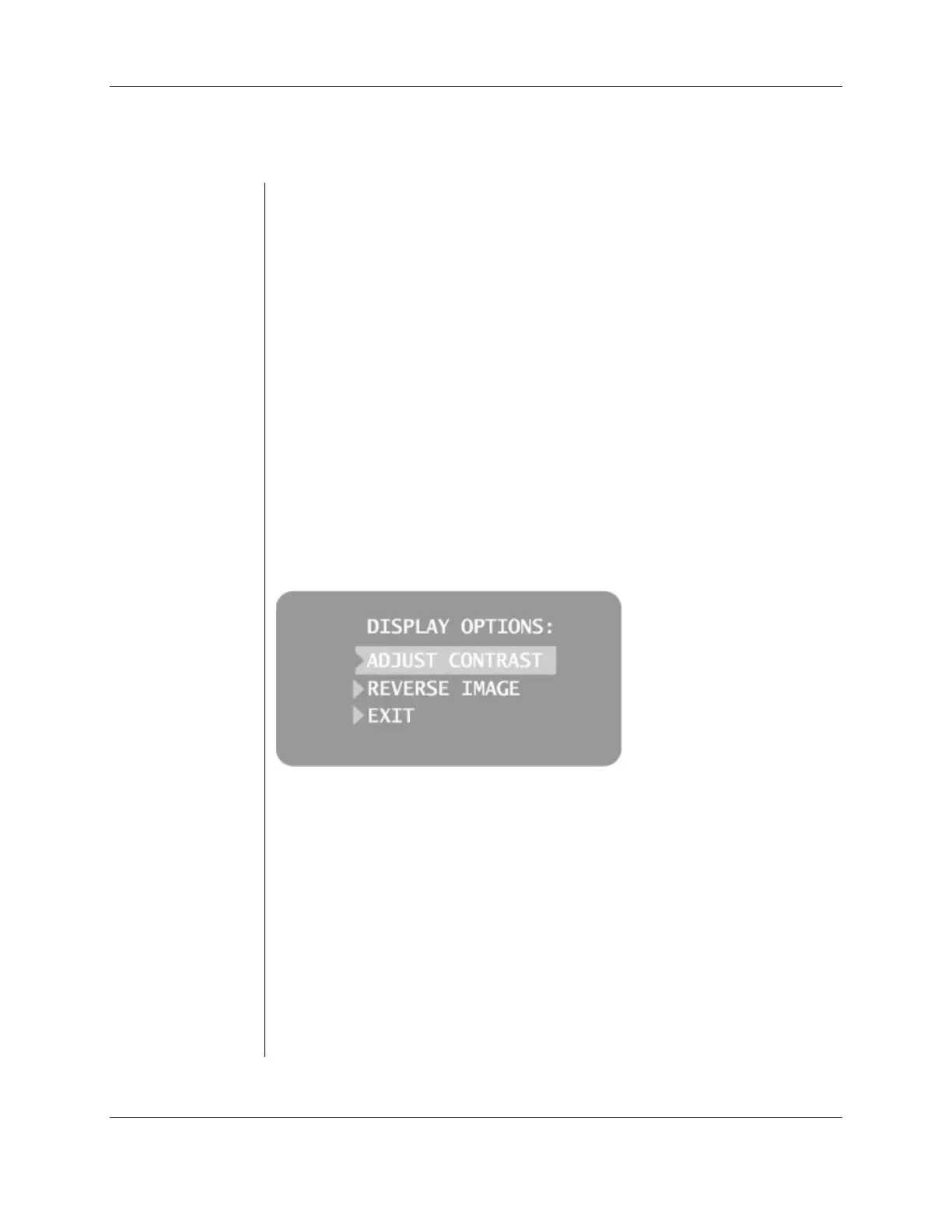
Contrast and foreground/background tones can be adjusted by the operator.
1. From the system configuration main menu, shown in Figure 4, select
ADJUST DISPLAY. The Display Options menu, shown in Figure 5, will
appear.
2. Select EXIT to return to the Main System Configuration menu shown in
Figure 4.
1. Select ADJUST CONTRAST from the menu. The Progeny logo will be
displayed.
2. Use the up and down arrows to increase or decrease the contrast between
the menu text and the background.
3. Press the right arrow to save the changes.
1. Select REVERSE IMAGE from the menu. The text and background colors
will be swapped.
2. Press the right arrow to save the settings.
Figure 5
Display Options
Menu



 To Next Page