Preva Dental X-ray System User Manual, 00-02-1576, Revision ZA1
35
The System displays the current system configuration. This display is
informational only.
1. From the Main System Configuration menu shown in Figure 4, select
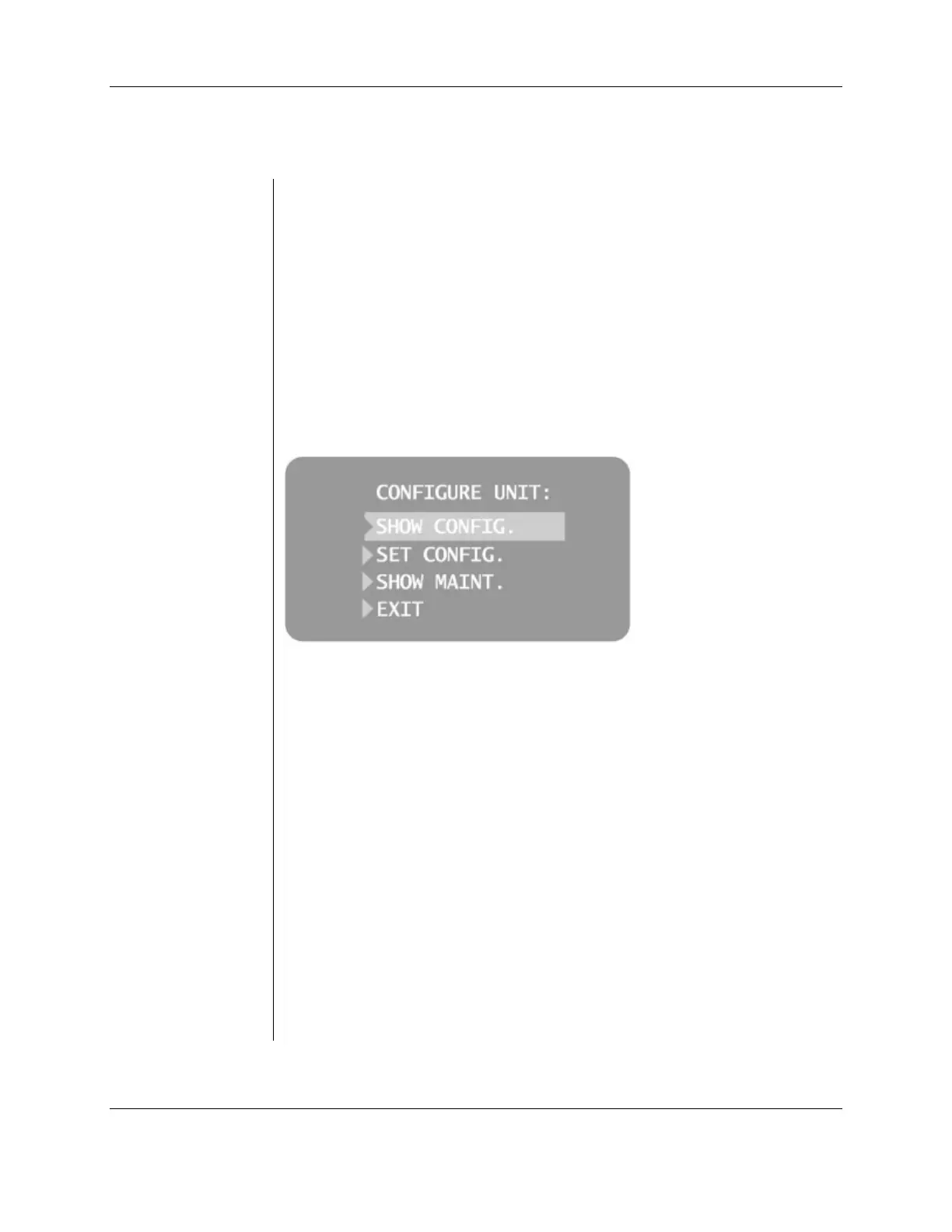
CONFIGURE UNIT. The Configuration menu shown in Figure 7 will be
displayed.
2. Select SHOW CONFIG. The display will show:
• Current software version
• Cone size
• Diagnostic mode, on or off
3. Press any button on the Operator Panel to return to the Configuration
menu.
Figure 7
Configuration
Menu
Showing the Current System Configuration



 To Next Page