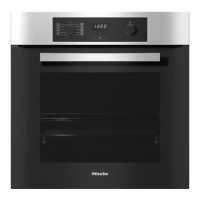
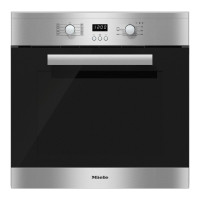
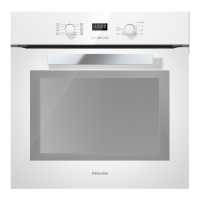
Oven controls
19
Function selector
Use the function selector to select the
required function and switch on the
oven lighting independently.
It can be turned clockwise or anti-
clockwise.
In the 0 position it can be retracted by
pressing it in.
Functions
Lighting
Conventional heat
Bottom heat
Full grill
Defrost
Booster
Fan plus
Intensive bake
Fan grill
Eco Fan heat
Temperature selector
When a function is selected, the recom-
mended temperatures and the sym-
bol appear in the display. Use the
temperature selector to change the
temperature for cooking processes in 5-
degree increments.
The temperature selector can be
turned clockwise or anti-clockwise. It
can be retracted in any position by
pressing it in.
Clock/timer
The clock/timer is operated via the dis-
play and the, OK and sensor con-
trols.
Display
The display shows the time of day or
your settings.
It goes dark if settings are not being
entered.
Please refer to “Clock/timer” for more
information.
Sensor controls
The sensor controls respond to the
touch of a fingertip. Every touch on the
sensors is confirmed by an audible
tone.
The tone can be switched off by chan-
ging setting to status (see
“Clock/timer – Changing settings”).


 To Next Page