Special programs
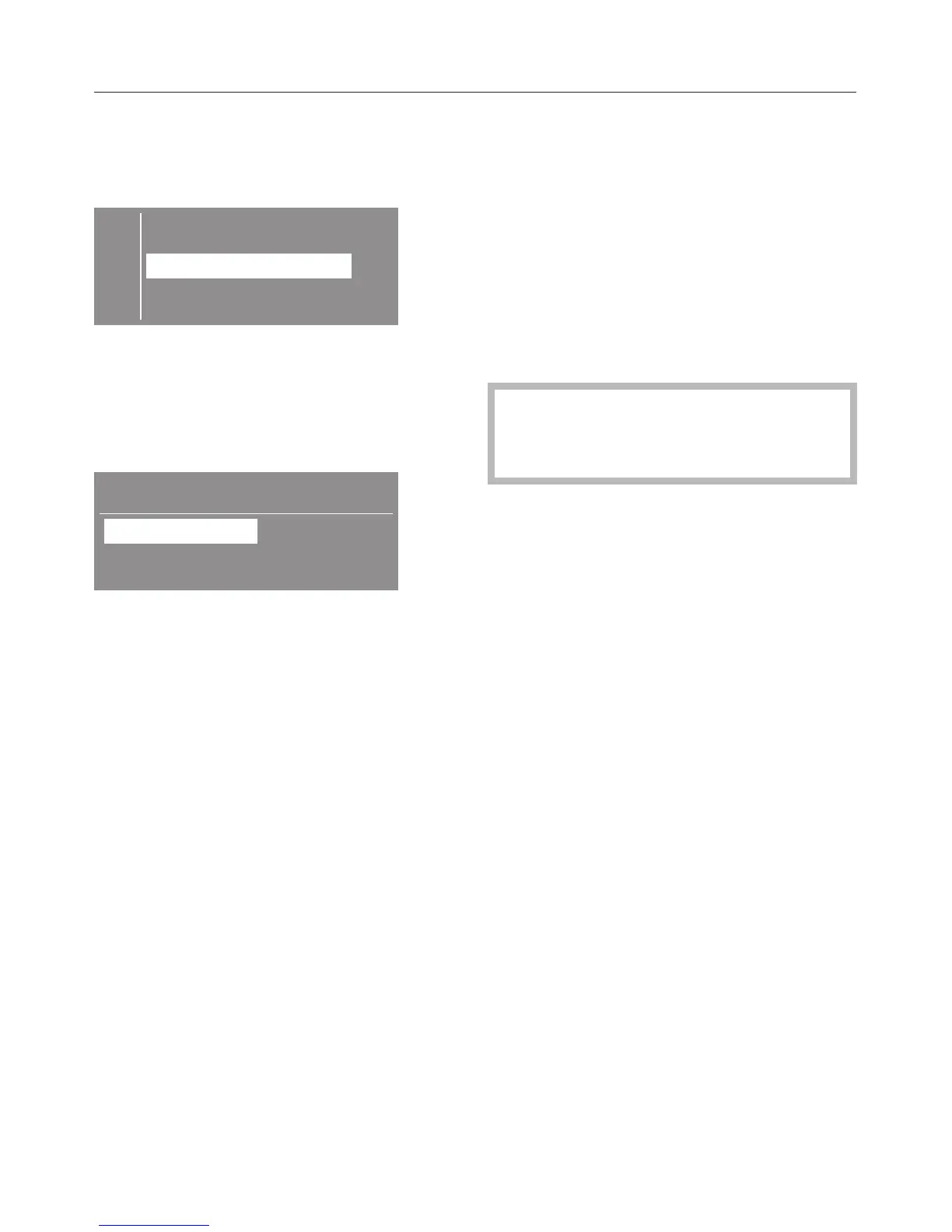
When selecting "Special programs" the
display shows the list.
E Denim
Shirts
Outerwear
H
^
Mark the desired program with the
+/- button. The arrow H in the
display shows that additionally
selections can be made.
^
Confirm with "OK".
Shirts
Normal
Duration: 0:36 h
^ Use the +/– buttons to change the
drying level (except "Proofing").
Low temperature
To dry delicate items (fabric care
symbol r) e.g. made from acrylic,
press the "Low temperature" button.
The temperature is reduced and the
program duration is extended.
4. Select Delay Start
(if desired)
See "Delay Start".
5. Insert coins (if operated by
coin mechanism)
If a coin mechanism operates the
machine, please regard the displayed
request to pay.
If the door is opened after a
program start or if the program is
canceled the credit is lost.
Use
12


 To Next Page