When the dryer is used for the very first
time, the Welcome screen shows.
"Miele Professional Welcome" will not
show again once the language and
the time of day is set and the first
program runs longer than one hour.
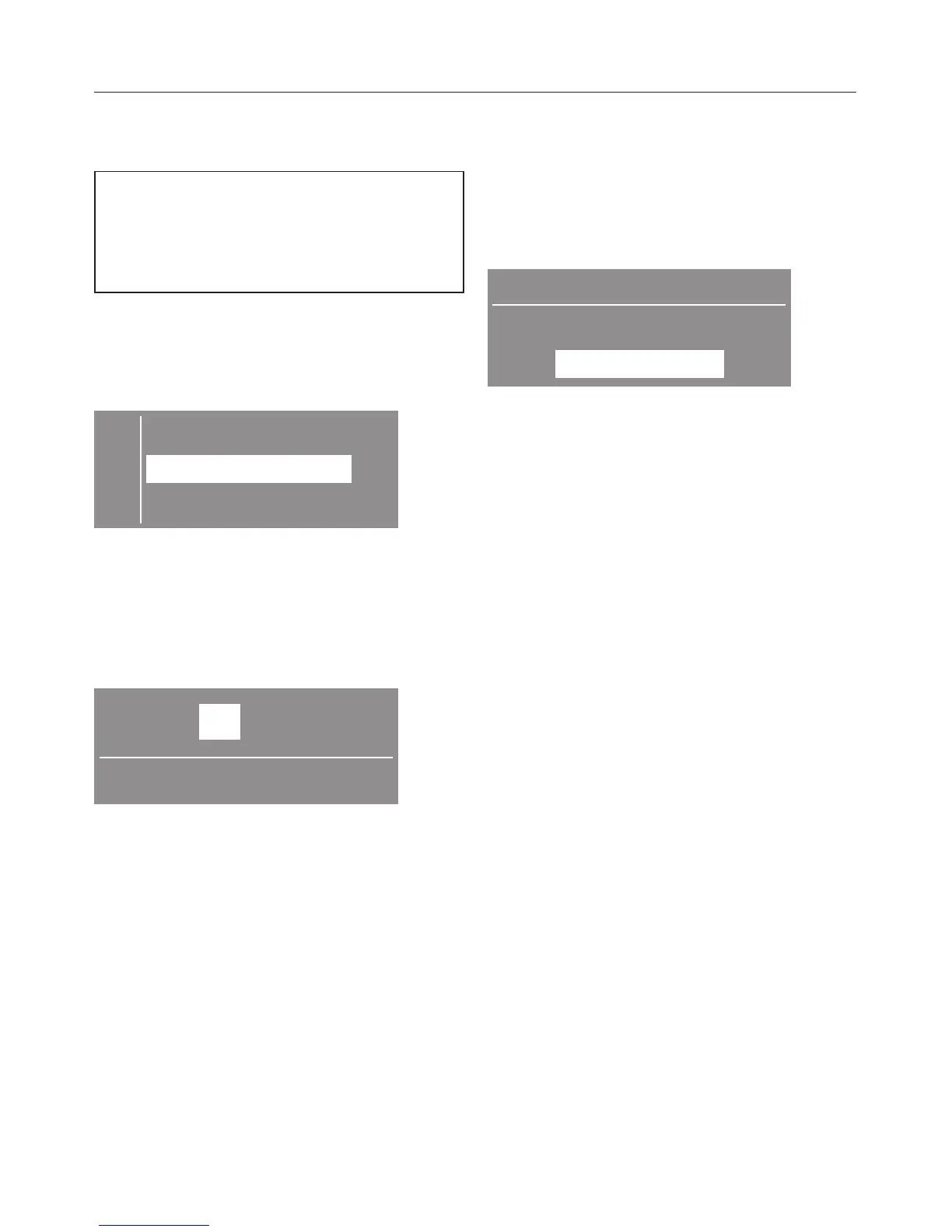
The display shows the language
setting.
Setting the display language
C dansk -
F
english B
français H
^ Set the desired language with the +/–
buttons and confirm with OK.
The selected language is marked with a
check.
Setting time of day
10 :00
Set the time of day
^
Set the time of day with the buttons
+/– the hours and confirm with OK.
^
Set the minutes and confirm.
Basic menu
The basic menus with the current time
of day shows as long as no program is
selected.
The display shows "Settings" J.
10:00
Please select
Settings F ...
The information to the settings can be
found at the end of this manual.
The dryer is ready for use.
Before using for the first time
8


 To Next Page