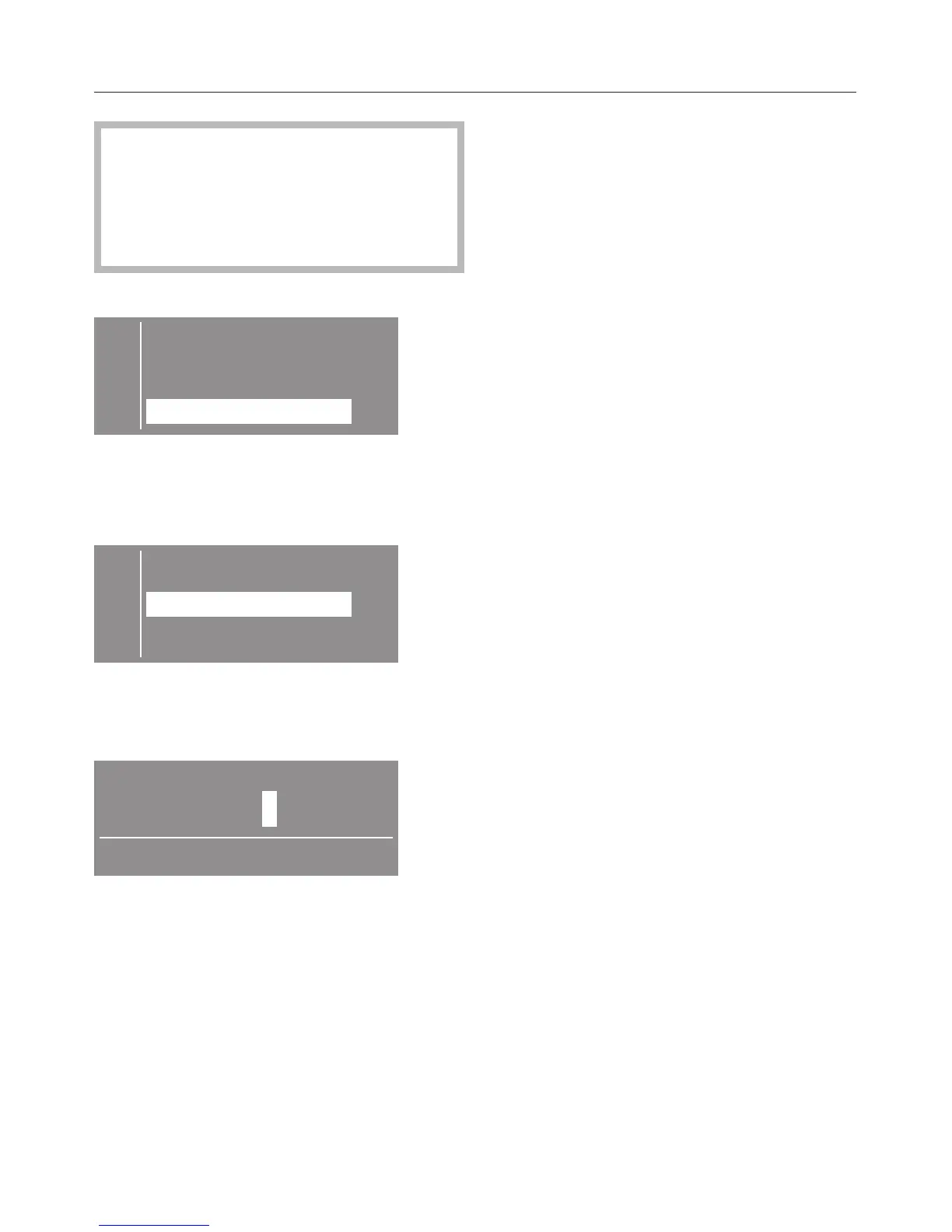
The menu "Settings/Supervisor level"
is locked with a code to prevent
unauthorized access (except
"Language J"). It needs to be
activated by Technical Service.
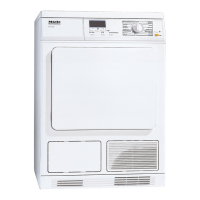
C Back A
Language F
Supervisor level
^
Select the submenu "Supervisor
level".
Entering the code
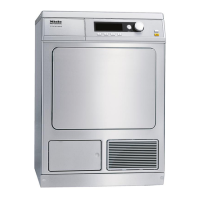
C Back A
X
Access via code
Change code
^ Confirm "Access via code".
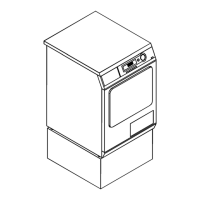
A three digit code must be entered.
Delivery status of the code is: 000.
000
Please enter code
^
Enter the first digit with the + button.
Confirm with "OK". Enter the second
and third digit.
^
Confirm the code with the "OK" button
or correct it pressing "–".
Supervisor level
Changing the code
The access code for the supervisor
level can be changed.
^
Insert the old code.
^
Insert the new code.
After confirming the new code the basic
menu shows.
Drying levels
The bar shows the selected level.
Factory default: middle level
– The program duration is shortened
(laundry is more moist) or is
extended (laundry is more dry).
Cottons and Minimum iron
The drying levels of the "Cottons" and
"Minimum iron" programs can be
adjusted.
Cottons Machine iron
This drying level can be adjusted
separately.
Menu Settings - Supervisor level
52


 To Next Page