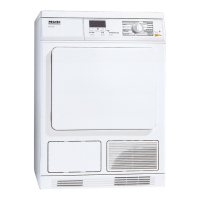
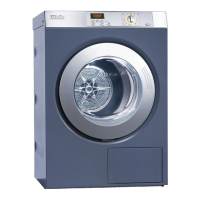
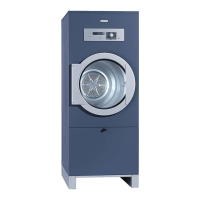
Coin mechanism
For coin mechanism operated
machines: Money or tokens will be
lost when the door is opened after
program start or when canceling a
program.
Technical Service can allow a time
frame where a program can be
changed.
Changing a running program
A running program cannot be changed
(protection of accidental changes). If
the program selector is turned, the
display shows "Program change not
possible" until the selector is set back
to the original program.
To select a different program, the
running program must be canceled.
Canceling a program
^
Turn the program selector to "Finish".
If "Finish" shows in the display, the
program was canceled.
^
Open and close the door.
^
Select the new program.
^
Press the "Start" button.
Adding/removing laundry
during a drying program
^
Press the "Door" button.
^
Open the door.
,
Do not touch the rear of the
drum while adding or removing
items! Danger of burns due to high
temperatures in the drum.
^
Add or remove items.
^
Close the door.
Continue drying
^ Press the "Start" button.
Note
When the program cycle is changed
the displayed remaining time may differ
from the actual drying time.
Use
14


 To Next Page