The program end time can be selected.
The program start can be delayed for
up to 24 hours.
Selecting the Delay Start
^
Press the m button.
10:00
Start:
10:00
Finish:
11:45
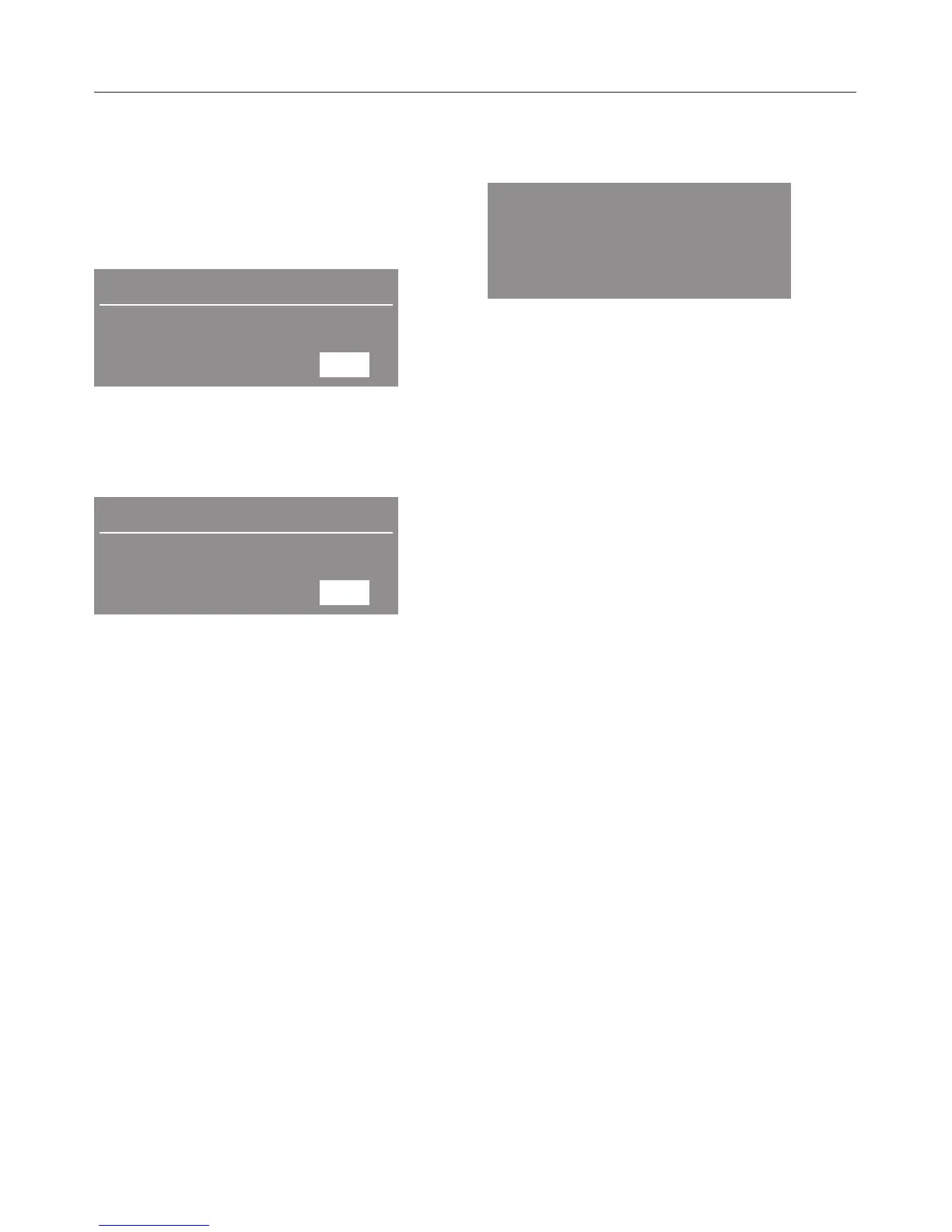
The display shows the current time of
day at the top, the program start time in
the middle and the end of program time
on the bottom.
10:00
Start:
10:45
Finish:
12:30
^ Select the desired program end time
with +.
The delay start is shown in
30-minute-increments. The first push of
the button delays the program end to
the next possible full or half hour. The
program start time changes
accordingly.
^
Press the – button to select an earlier
program end time.
^
Confirm with "OK".
Starting the Delay Start
^
Press the "Start" button.
Normal
Begin in: 0:45 h
The time elapses in minutes until the
program start.
The drum turns briefly every hour to
prevent creases.
Changing a program
As long as the program has not yet
started, the "Low temperature" option or
drying level can be adjusted.
^ Press the "Door" button to add or
remove laundry.
^ Close the door and press "Start".
Changing the Delay Start
^ Press the m button.
^ Select the desired program end time
with +/–.
^
Confirm with "OK".
^
Press the "Start" button.
Deleting the Delay Start
^
Press the m button.
^
Press and hold the – button until the
program start time is the current time
of day.
^
Confirm with "OK".
The programs starts.
Delay Start
18


 To Next Page