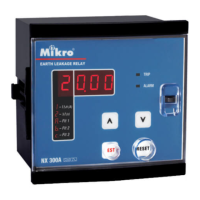
MK2000
Page 11
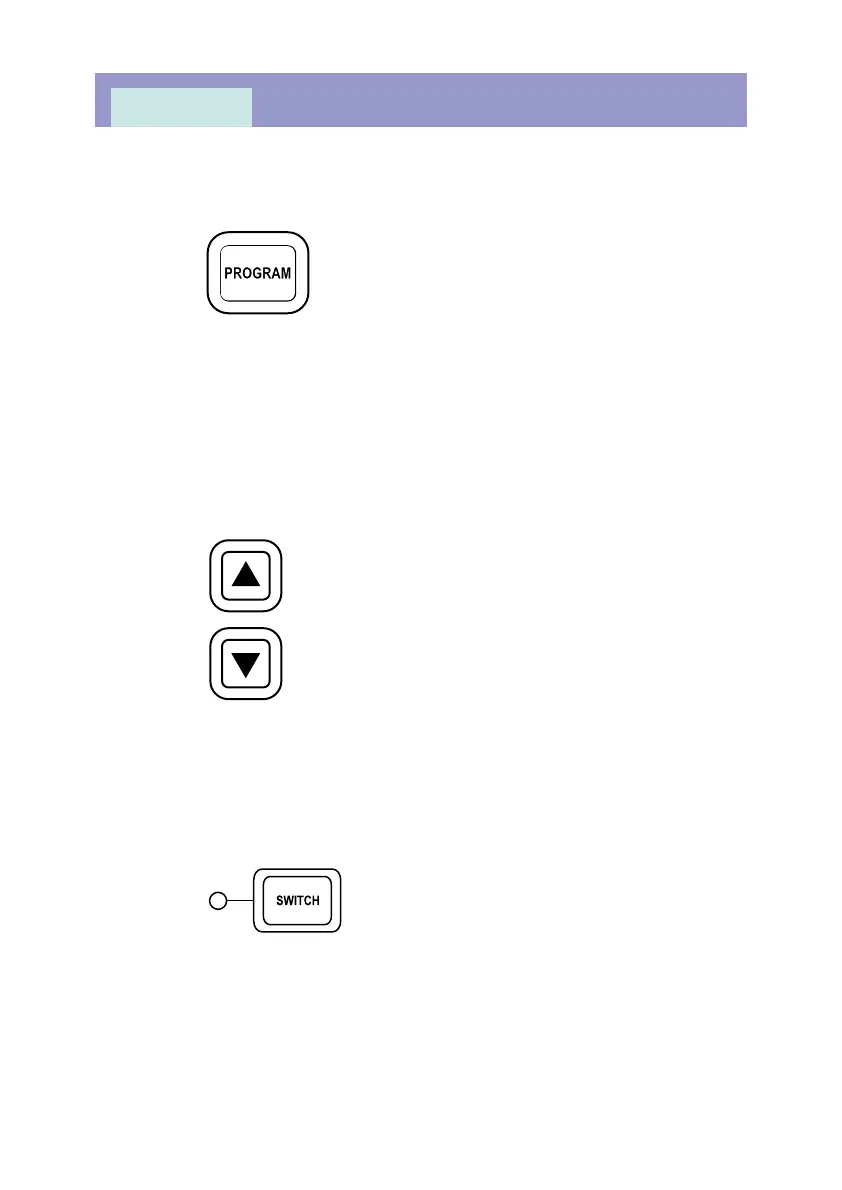
ii) The PROGRAM key
Pressing this key once to enter into programming mode for the selected
items (e.g. I/In). The light indicator for the selected item blinks to indicate
that the relay is in programming mode. By pressing this PROGRAM key
again while in the programming mode, the new value of the selected item is
saved, the relay then exits from programming mode and the light indicator
for the selected item stop blinking.
iii) The UP and DOWN keys
These keys are for changing the value of the selected item while in
programming mode.
iV) The SWITCH key
Press this key to scroll through all the software switches.



 To Next Page