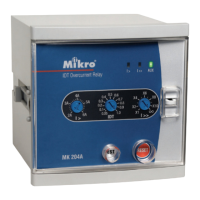
These soft switches are for configuring and testing of the MK2000 relay. The
functions for all these switches are listed below. Please note that the switch
settings are in hexadecimal format.
4.1 Switch Group 1
This switch allows the user to activate the relay output one-by-one. Once
entered into the switch programming mode, the output can be switched on by
using the UP and DOWN key.
MIKRO
Page 18
4. Soft Switches
Switch ValueSwitch Value FunctionFunction
00 All relays de-activated
01 Only TS1 activated (START1)
02 Only TS2 activated (TRIP)
03 Only SS1 activated (START2)
04 Only SS2 activated (SIGNAL1)
05 Only SS3 activated (SIGNAL2)



 To Next Page