Regional People Counting-Statistics Report (Line Chart)
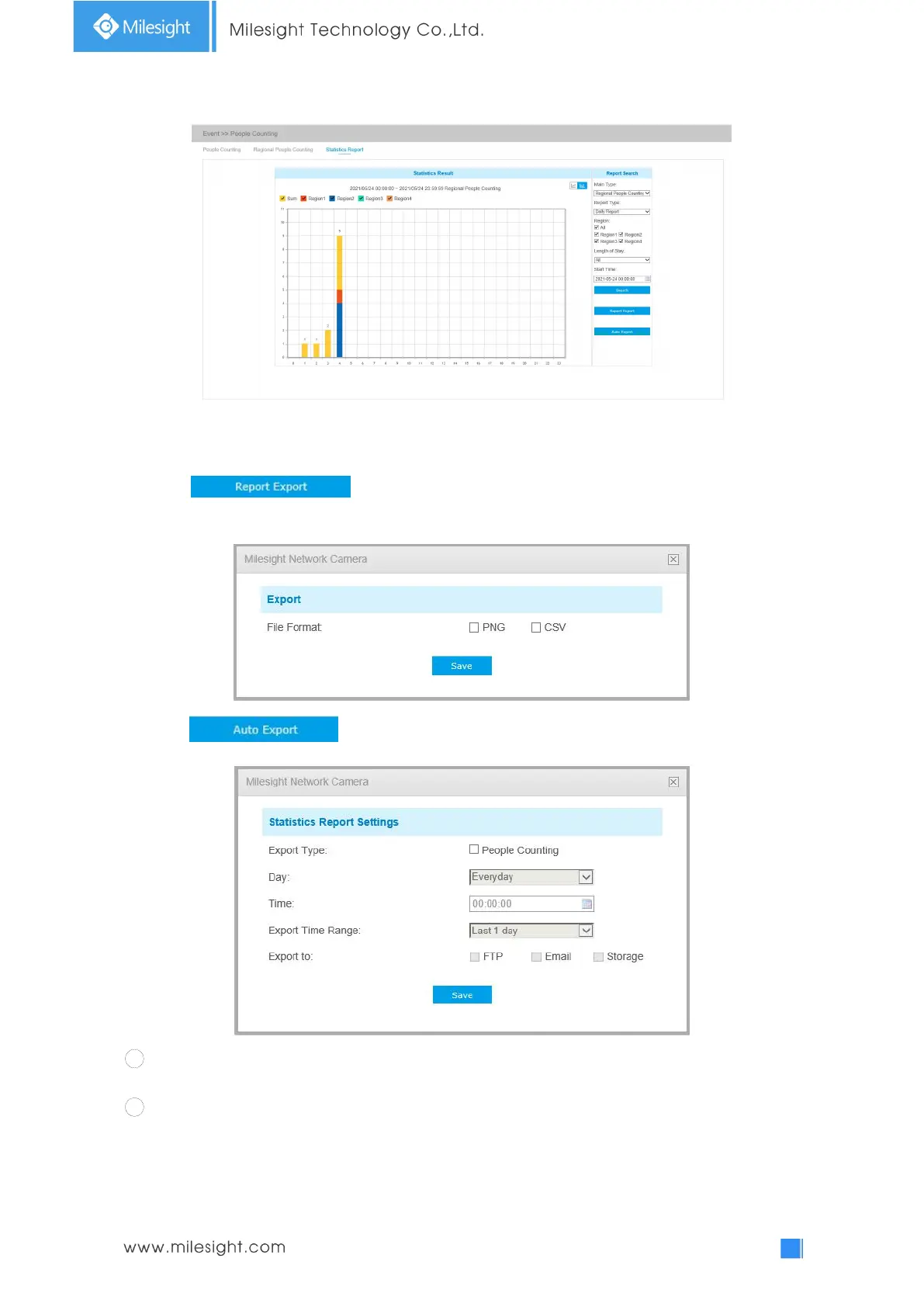
Regional People Counting-Statistics Report (Bar Chart)
Step 5: Click button to pop up the Export window as shown below, and you
can choose File Format to export the report to local.
Step 6: Click button to pop up the Statistics Report Settings as shown below.
1 Set Export Type to People Counting or Regional People Counting, and then check the
enable box, the gray item becomes editable as shown below;
2 Set Length of Stay.
Note: This option is only for Region People Counting.











 To Next Page