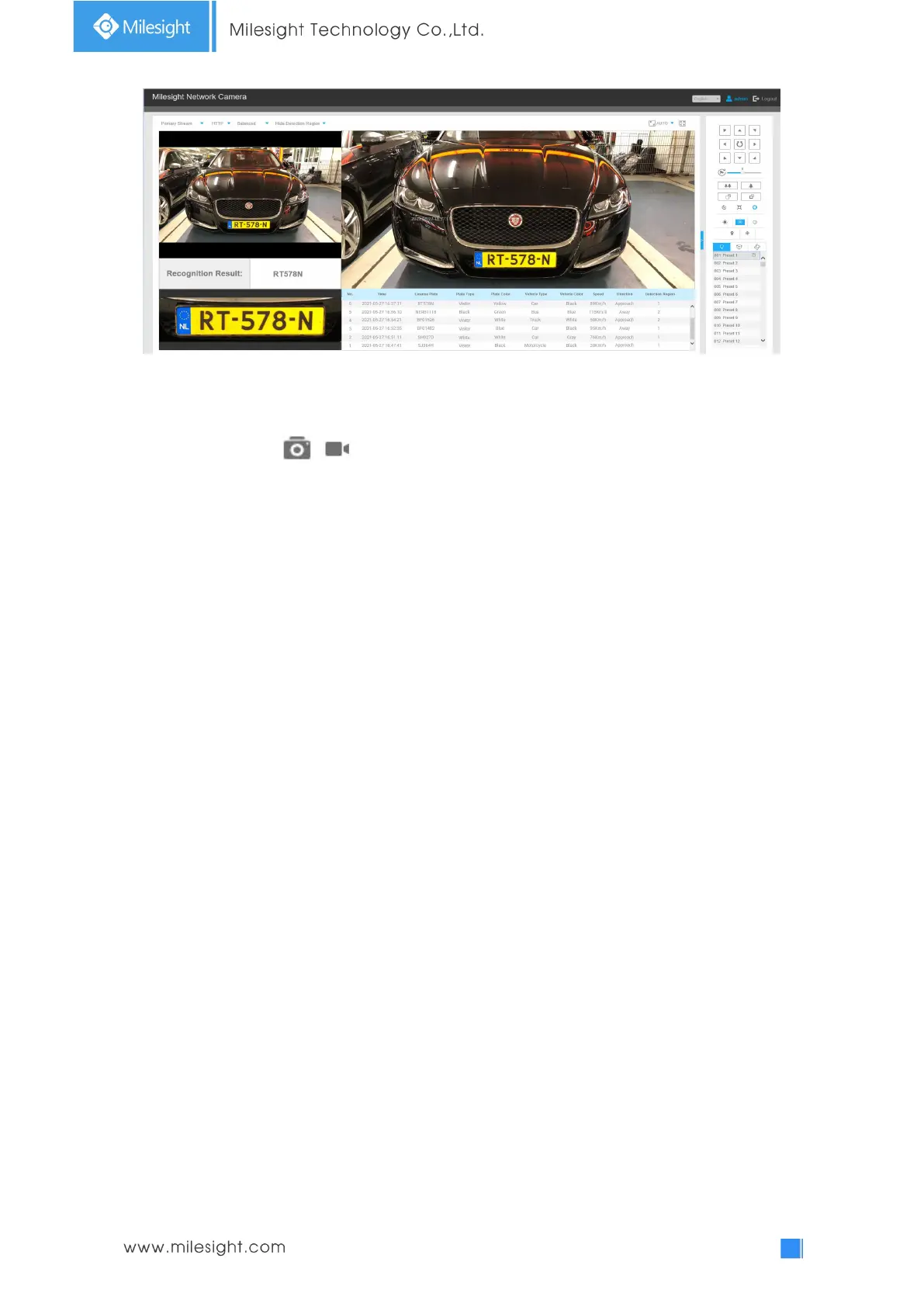
LPR mode of Live View interface (AI Series)
Note:
For Snapshot/Recording ( / ), you can click to capture/record the current image/video ,but
only when you using the IE browser with plugin, it will automatically be saved to the configured
path on your PC and pop up the corresponding folder. If you using the Chrome/Firefox/Safari/Edge
browser in Plugin-Free Mode, it will not automatically pop up the corresponding folder to show
you the details.
4.7.2 Settings
The LPR function will automatically detect and capture license plate in real time and compares to a
predefined list, then takes appropriate action such as generating an alert once the license plate is
on the predefined black list.
Note:
(1) LPR is optional for Mini PTZ Bullet, AI AF Motorized Pro Bullet Plus, 12X AF Motorized Pro
Bullet, Motorized Pro Bullet, ABF Pro Box, Vandal-proof Motorized Mini Bullet, Mini Bullet Network
Camera.
(2) Currently we have three LPR versions, LPR1, LPR2 and LPR3. LPR1 is for Asian regions, LPR2 is
for European regions and the former Soviet Union and LPR3 is for Korea.
For more information, please refer to Milesight-Troubleshooting-LPR setting-LPR1,
Milesight-Troubleshooting-LPR setting-LPR2, Milesight-Troubleshooting-LPR setting-Korea.
(3) There is only Basic Event under Event Tab for LPR cameras.
General











 To Next Page