Low/Medium/High/Higher are available, this item is optional only if you
select the MJPEG
Note:
The options of [Frame Size] are variable according to the model selected.
4.4.2 Image
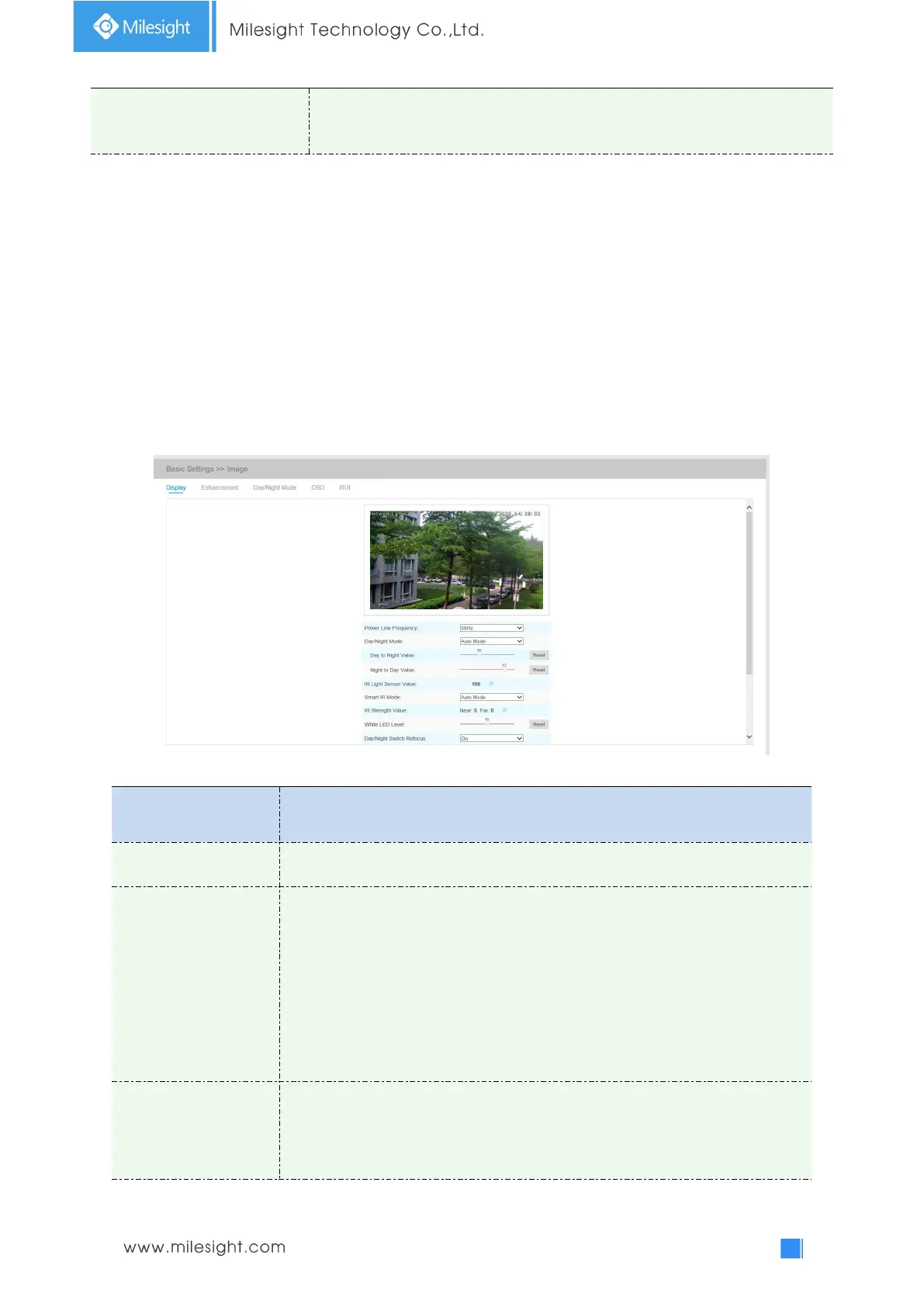
Display information, enhancement of image and Day/Night setting can be set in this module. OSD
(On Screen Display) content and video time can be displayed to rich the image information.
Display
Table 4-4-2 Description of the buttons
60HZ flicker for NTSC mode and 50HZ flicker for PAL mode
There are several parameters such as Exposure Level, Maximum Exposure Time
and IR-CUT Interval, etc, associated with this mode.
Night Mode: Show in live view based on Night Mode settings
Day Mode: Show in live view based on Day Mode settings
Auto Mode: Show in live view based on environment, set the sensitivity for
switching Day Mode to Night Mode, or Night Mode to Day Mode
Customize: Show in live view based on your own settings’ time to start/end Night
Mode
This is the sensitivity for switching Day Mode to Night Mode. When IR Light
Sensor Current Value is lower than this value, it will switch Day Mode to Night
Mode.











 To Next Page