Chapter IV System Operation Guide
4.1 Live Video
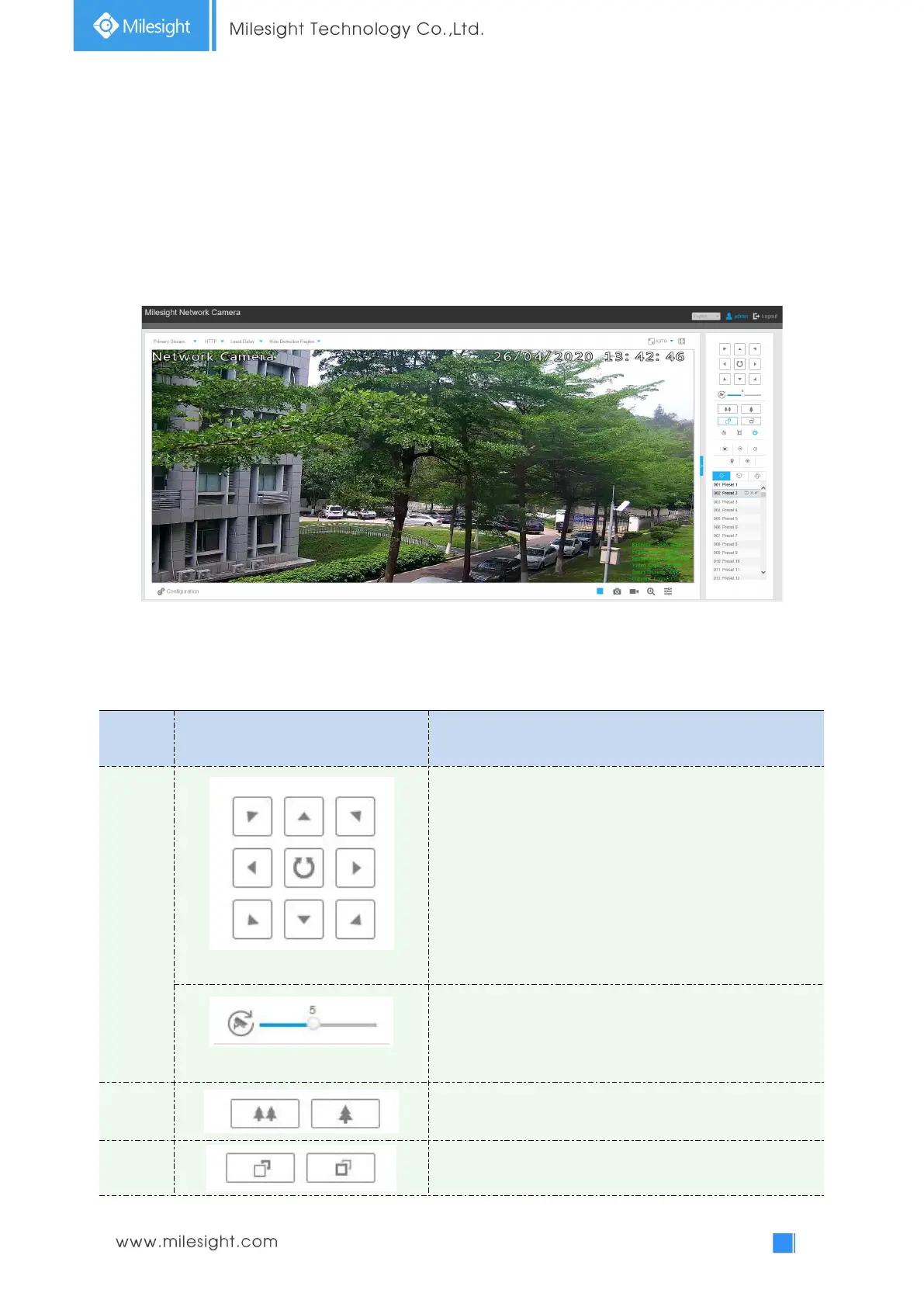
After logging in the network camera web GUI successfully, you are allowed to view live video as
follows.
4.1.1 Operations on Live View Page
Table 4-1-1 Description of the buttons
Navigation key is used to control the direction. The rotation
key is used for auto-rotation.
To adjust the speed of pan/tilt movements, from 1 to 10
Click to zoom in and zoom out
Click to focus near or far of the lens.











 To Next Page