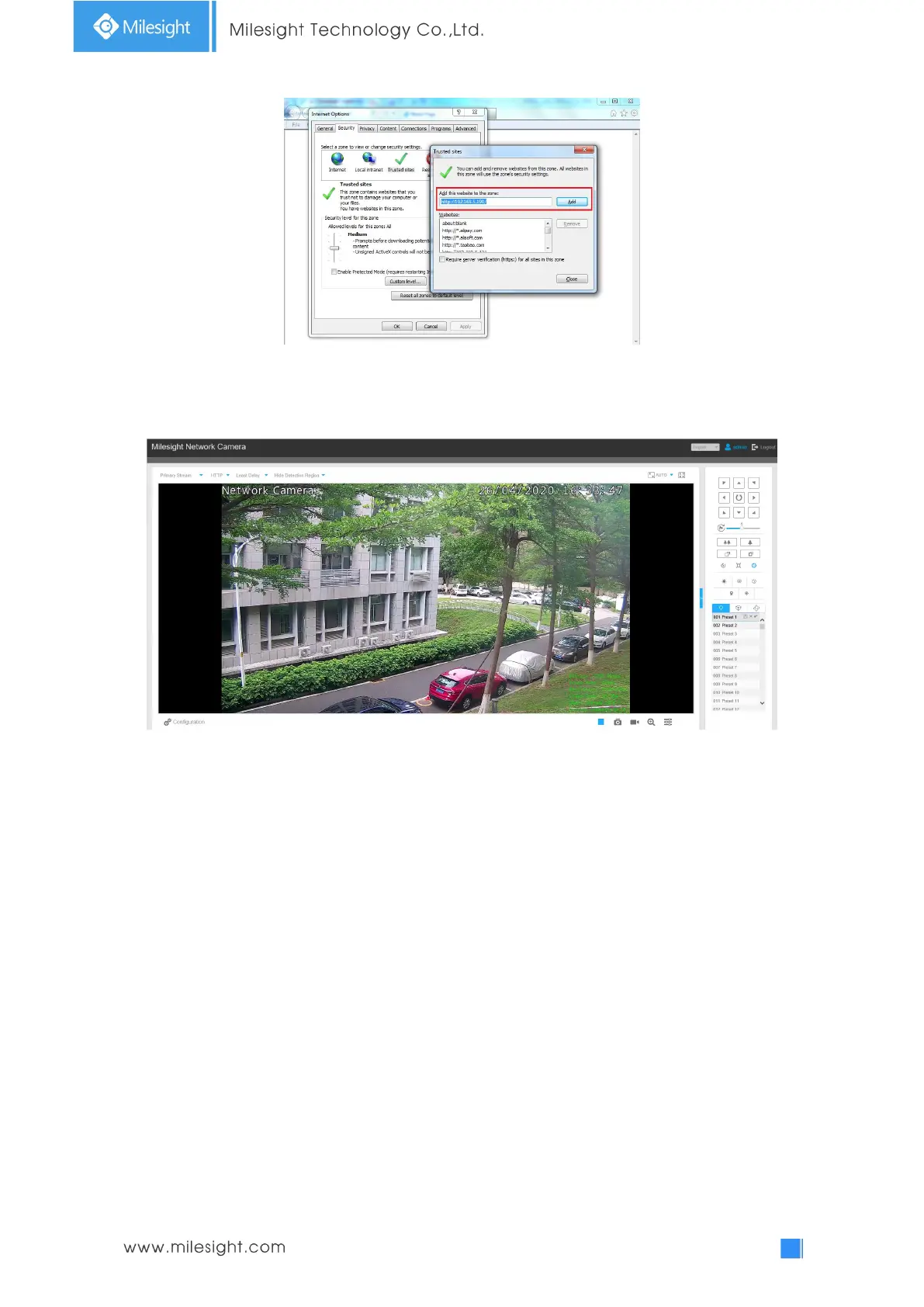
Step4: Enter the IP address. After logging on network camera’s web GUI successfully, user is
allowed to view live video as follows.
3.2.2 Access without Plugin
As browser security becomes more and more important, some browsers don’t support installing
plugin. In order to normally preview the video on the browser, Milesight upgraded the camera to
support Plugin-Free Mode. In Plugin-Free Mode, you can preview the video on the browser
without plugin. Currently Plugin-Free Mode is supported in Firefox & Google Chrome & Safari &
Edge browser for Windows system, MAC system, iOS system and Android system. Both
H.265&H.264 video codec are supported in Plugin-Free Mode for camera, and it will play the
secondary stream by default.
Note:
1) You need to upgrade camera to V4x.7.0.70 or above to use Plugin-Free Mode.
2) For the firmware which below V4x.7.0.74, please upgrade the Network Camera to V4x.7.0.74 or above (Please
upgrade the browser to the latest version).
3) For V4x.7.0.74 or above, you can enjoy Plugin-Free Mode without any configuration about the browser (Please
upgrade the browser to the latest version).
You can preview the video without plugin by selecting Plugin-Free Mode in Live View interface.











 To Next Page