The percentage of number on the OSD is the remaining space of pattern. Start with 100% and run
out of 0%.
Call a pattern:
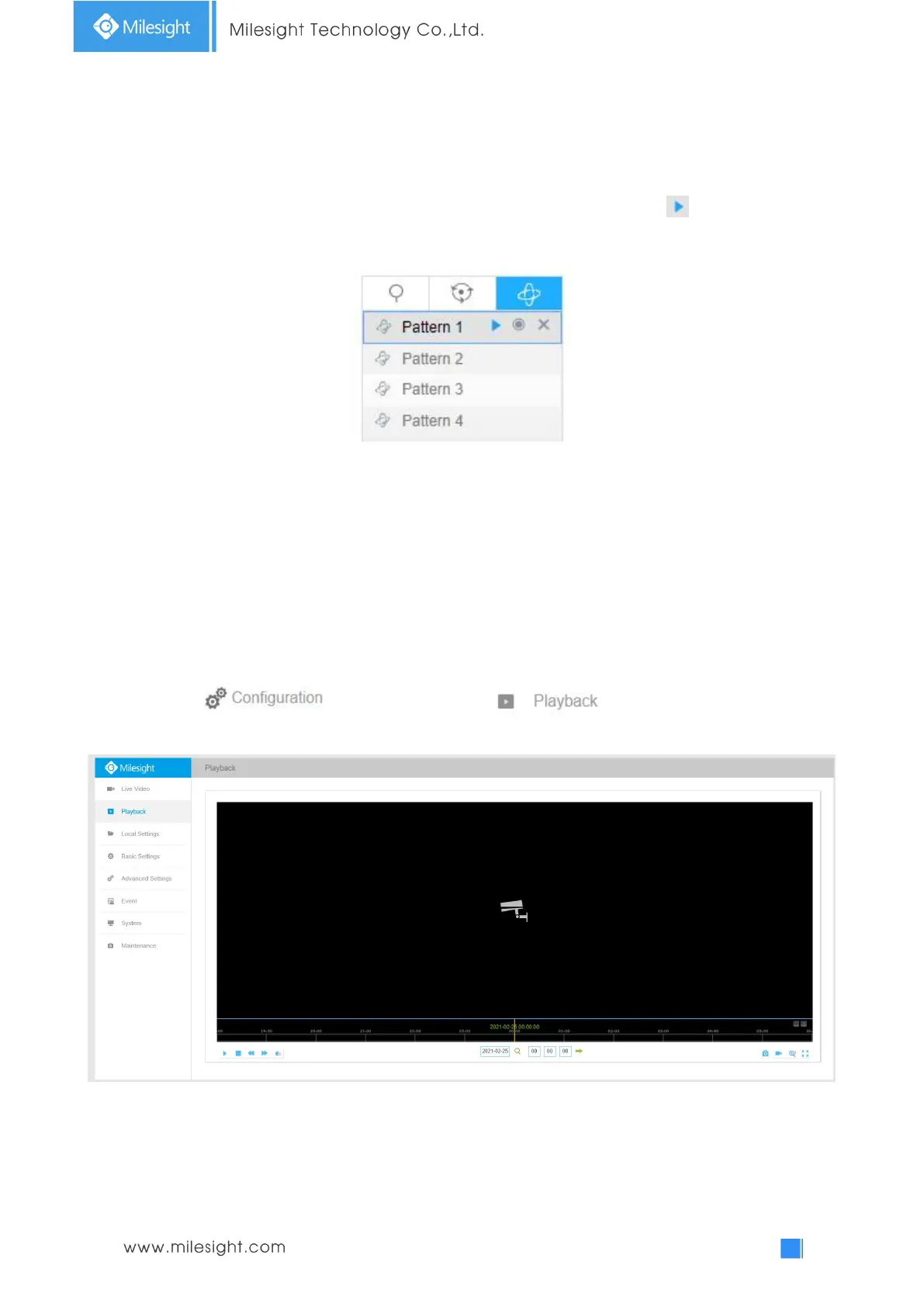
In the PTZ control panel, select a defined pattern from the pattern list, click to call the pattern,
as shown in the figure below.
Note:
The three button behind the Pattern list means: Play, Record and Delete.
When configuring the pattern, pan and tilt are valid but the limit stops and auto flip will be invalid.
Also, 3D Positioning operation is not supported.
4.2 Playback
This section explains how to view the recorded video files stored in SD cards or NAS.
Step1: Click and then click on the menu bar to enter
playback interface;
Step2: Click the date button, choose the date when date window pops up;











 To Next Page