The duration staying on one patrol point. The PTZ camera
moves to another patrol point after the set patrol time.
Step5: Click to save the patrol settings.
Note:
A. Patrol Speed only works in Patrol mode.
B. Patrol Time should be 15~120s for Mini PTZ Bullet and 0~120s for Speed Dome.
Call a patrol:
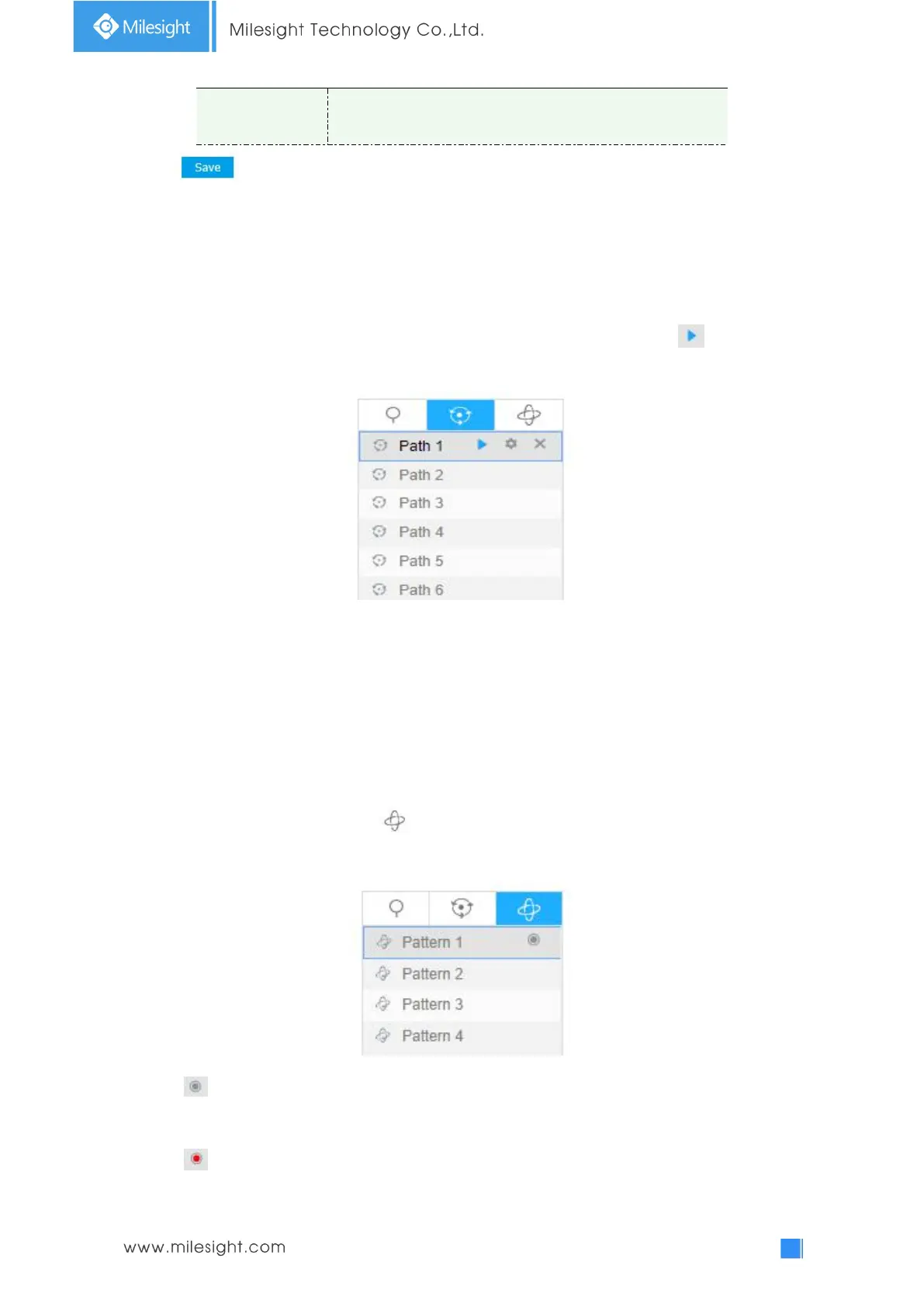
In the PTZ control panel, select a defined patrol from the patrol list, and click to call the patrol,
as shown below.
Note:
The three buttons behind the Patrol list means: Play, Set and Delete.
Set / Call a pattern
A pattern is a memorized series of pan, tilt, zoom and preset functions. It can be called on the
pattern settings interface. There are up to 4 patterns can be set.
Set a pattern:
Step1: In the PTZ control panel, click to enter the pattern settings interface;
Step2: Select a pattern number from the pattern list as shown in the figure below;
Step3: Click to activate recording the panning, tilting and zooming actions;
Step4: Use the PTZ controller buttons to move the lens to the interested position;
Step5: Click to save all the pattern settings.
Note:











 To Next Page