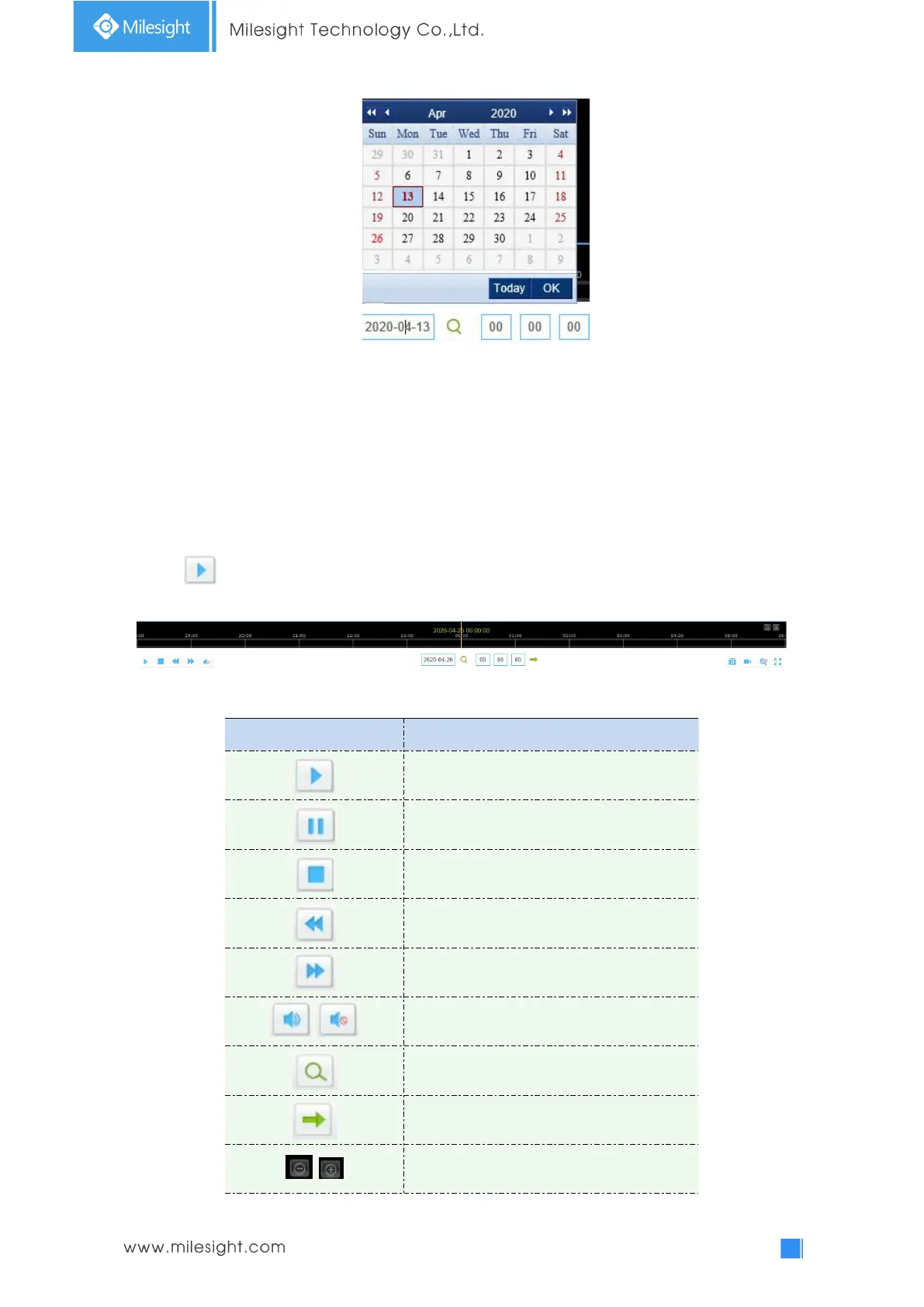
Note:
1) The date with bright red means current date; one with a dark red number and white
background means weekend day; one with a dark red number and blue background means
that the date is selected now.
2) It supports Plugin-free Playback function which allows to preview the playback without
installing plugin in Firefox (Version 65 and above) & Google Chrome (Version 69 and above) ;
You need to configure the browser properties before using this function. Please refer to 3.2.2
Access without Plugin for more browser configuration.
Step3: Click to play the video files found on this date.
The toolbar on the button of playback interface can be used to control playing progress.
Table 4-2-1 Description of the buttons











 To Next Page