Note:
(1) It supports displaying 4,000 logs.
(2) Only when there is a SD Card or NAS has been set on the storage management , then the logs
can be stored and show on Smart Search page.
(3) For Plate Color/Vehicle Color Recognition and Vehicle Type Classification, please make sure
your model is MS-CXXXX-XXC.
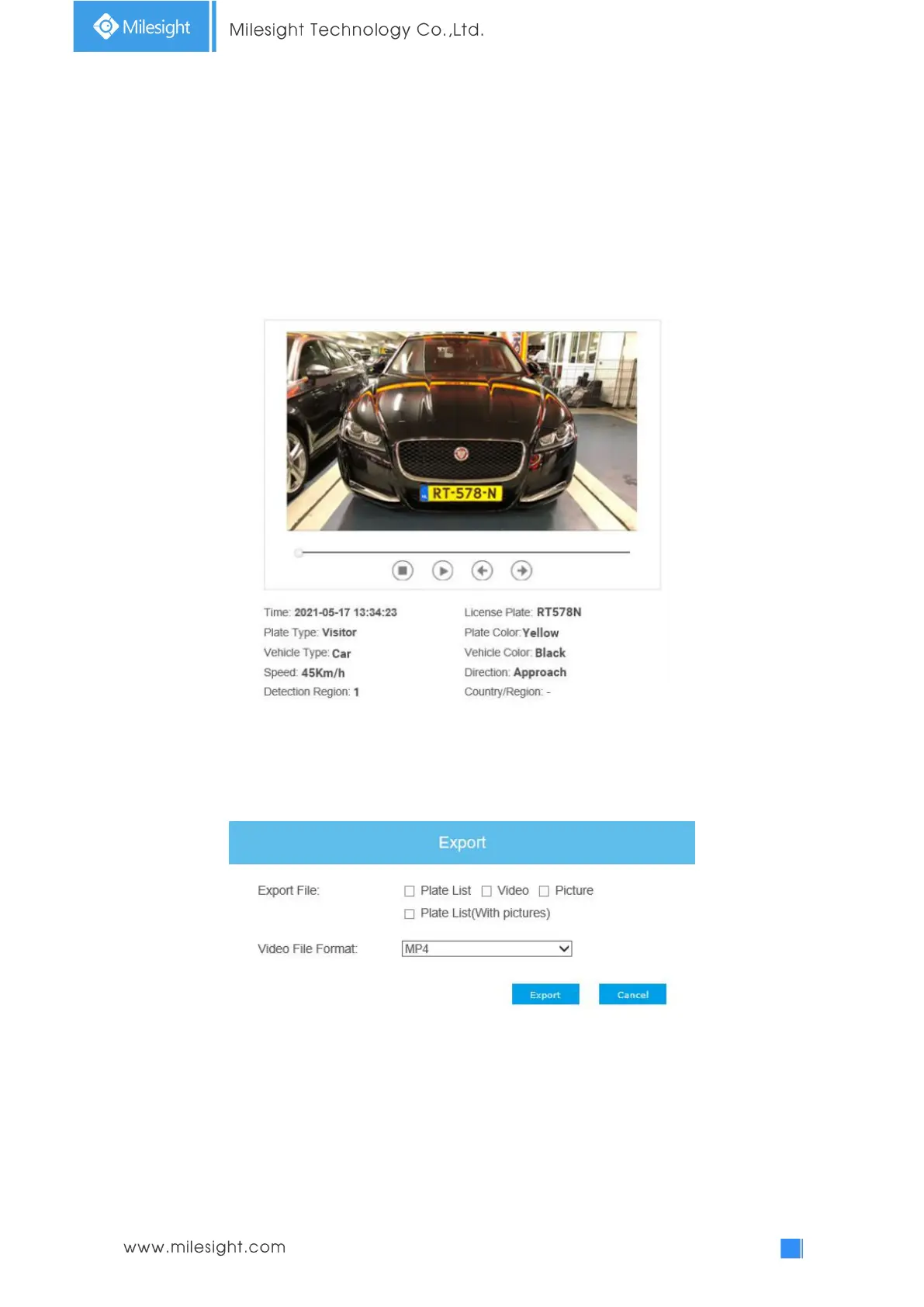
Step2: Click on the thumbnail photo under the LPR Logs, then the license plate details will be
shown as below :
Step3: Click the "Export" or “Export All” button to export the desired files in the current list to a
local folder.
Step4: Click the "Auto Export" button to automatically export the logs to FTP, Email or Storage.











 To Next Page