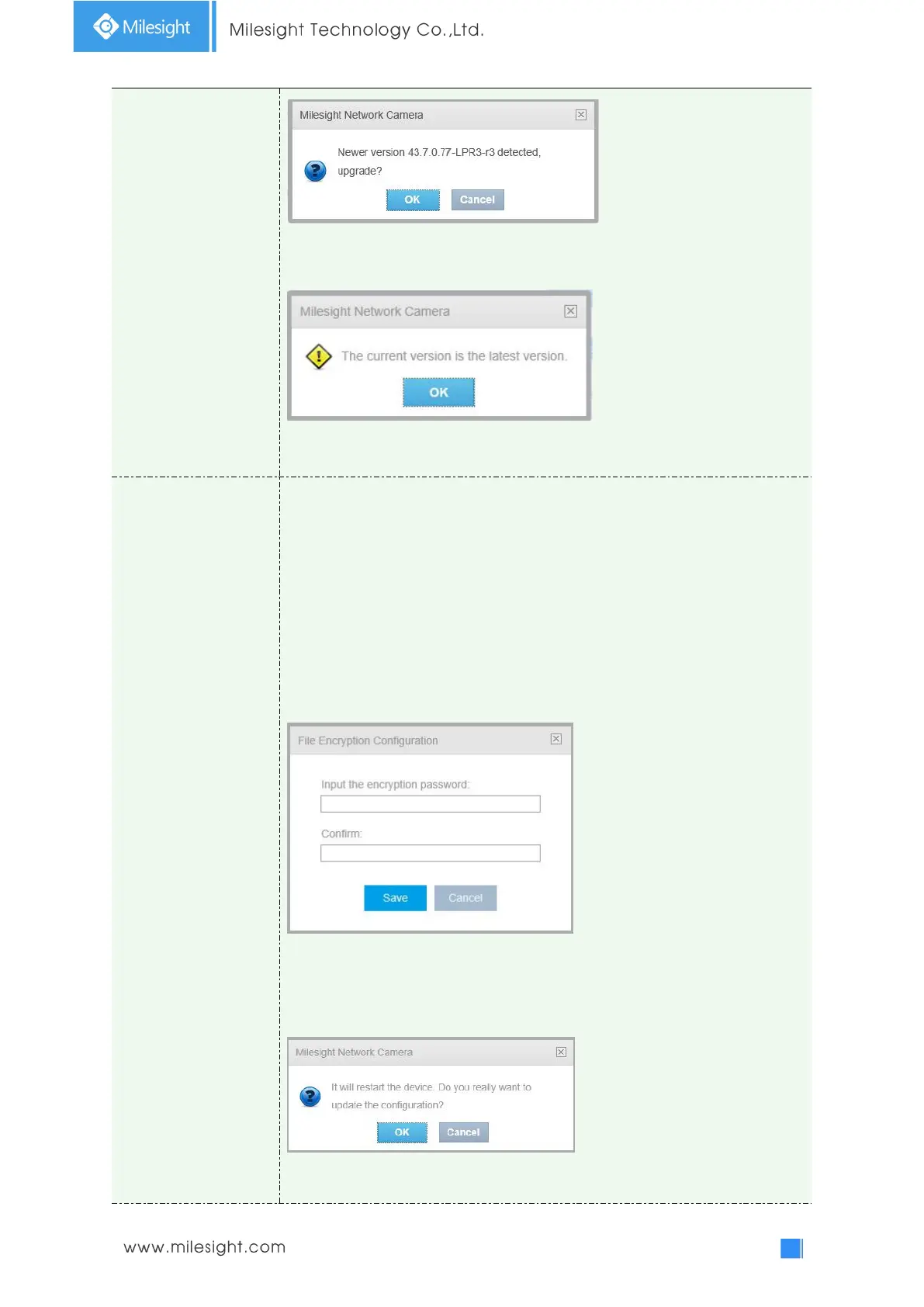
It will prompt "The current version is the latest version" if your camera is already
the latest version.
Note: Do not disconnect the power of the device during the update. The device
will be restarted to complete the upgrading.
Reset settings: Click “Reset” button to reset the camera to factory default
settings
Keep the IP Configuration: Check this option to keep the IP configuration when
resetting the camera.
Keep the User information: Check this option to keep the user information when
resetting the camera.
Export Diagnose Information: Click this button to export logs and system
information of the device operation status.
Note: The file format is “.txt”.
Export Config File: Click this button and a window will pop up as shown below:
You need to enter and confirm password again, then click save button to export
configuration file.
Import Config File: Click this button, then a window will pop up and you can click
"OK" to update the configuration.
It will pop up a window with "Input the password of config file" , then enter
password and click save button to import configuration file.











 To Next Page