Step2: Start the browser. In the address bar, enter the default IP address of the camera:
http://192.168.5.190;
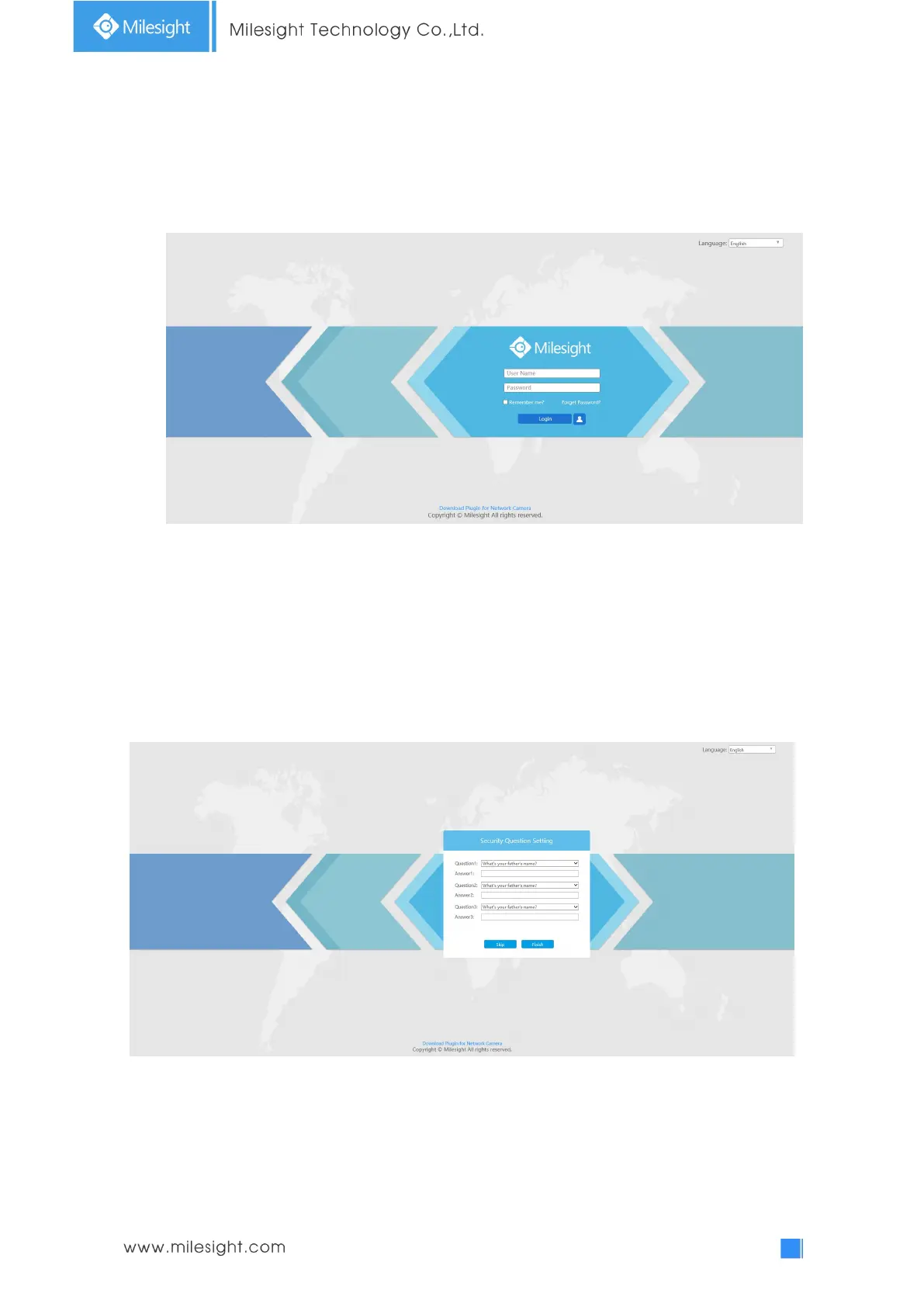
Step3: If the camera’s firmware version is lower than V4x.7.0.69, it will directly display the login
page, enter the user name and password when the LOGIN page appears;
Default user name: admin
Default password: ms1234
If the camera’s firmware version is V4x.7.0.69 or above, you need to set the password first
when using it for the first time. And you can also set three security questions for your device
after activation. Then, you can log in the device with You can log in to the camera with the
username(admin) and a custom password.
Note:
(1) Password must be 8 to 32 characters long, contain at least one number and one letter.
(2) You can click the “forget password” in login page to reset the password by answering three security
questions when you forget the password, if you set the security questions in advance.
Step4: After login, please select “Configuration”
“Basic Settings”
“Network”
“TCP/IP”. The
Network Settings page appears (Shown as below Figure);











 To Next Page