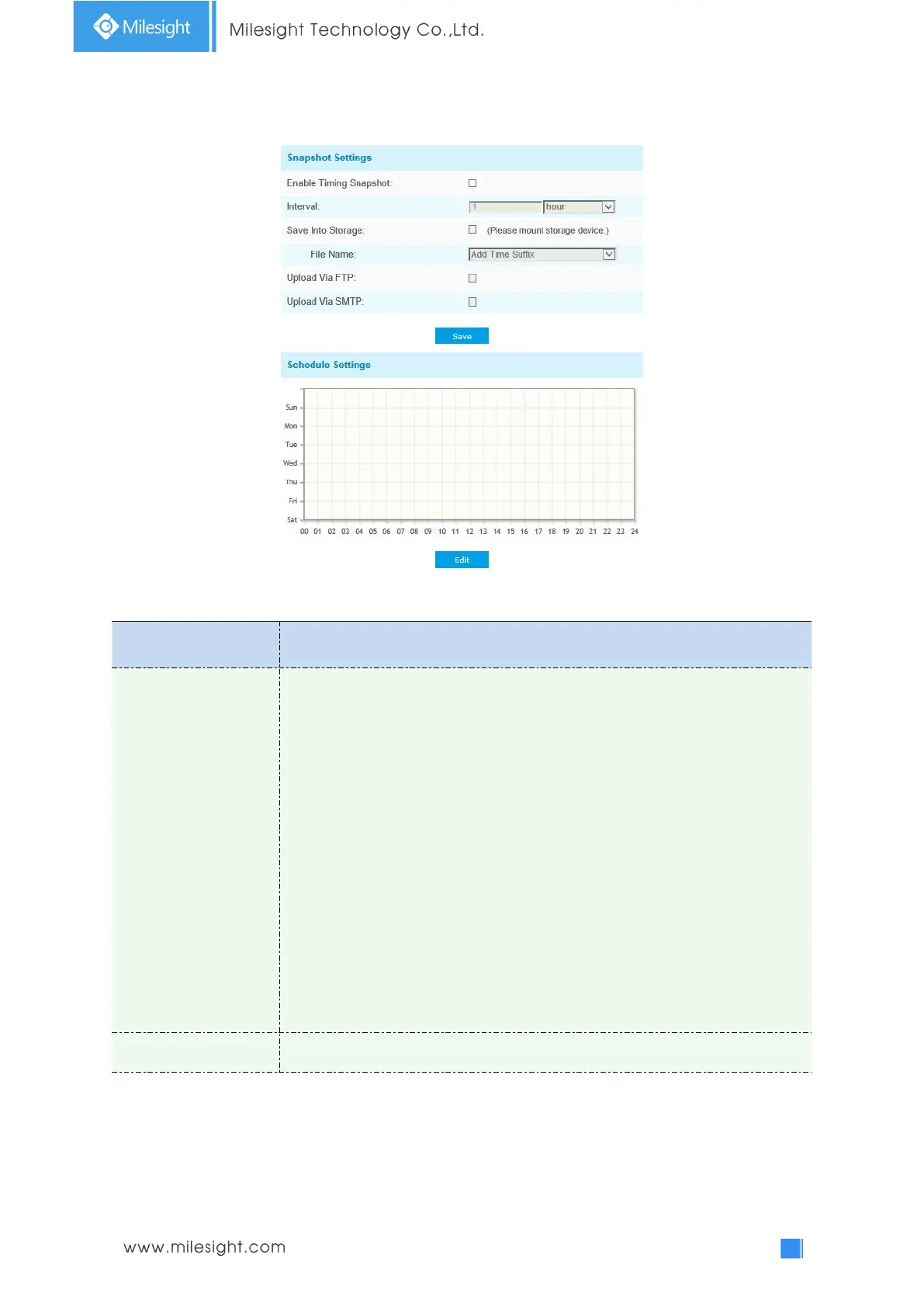
Enable Timing Snapshot: Check the checkbox to enable the Timing Snapshot
function
Interval: Set the snapshots interval, input the number and choose the
unit(millisecond, second, minute, hour, day)
Save Into Storage: Save the snapshots into SD card or NAS, and choose the file
name to add time suffix or overwrite the base file name.
Save Into NAS: Save the snapshots into NAS, and choose the file name to add
time suffix or overwrite the base file name
Upload Via FTP: Upload the snapshots via FTP
Upload Via SMTP: Upload the snapshots via SMTP
Please note:
If you choose to add time suffix, every snapshot picture will be saved, but if you
choose to overwrite the base file name, only one latest picture will be saved.
When you choose add overwrite the base file name to SD Card or NAS, it will
create a file named “Snapshot” to place the snapshot.











 To Next Page