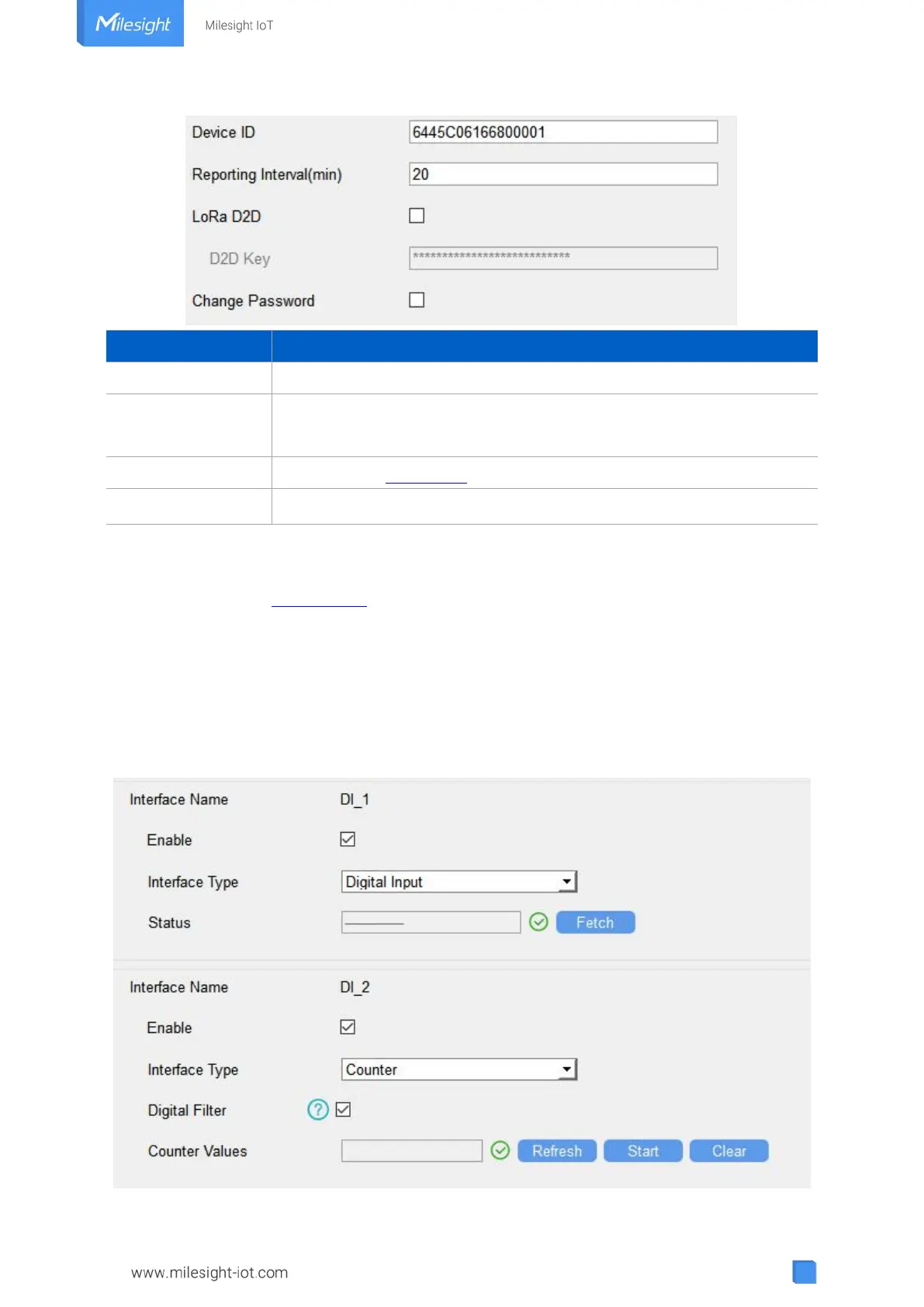
Show the SN of the device.
Reporting interval of transmitting data to network server.Default: 20mins
Note: RS232 transmission will not follow the reporting interval.
See details on chapter 4.5.
Change the password to loggin ToolBox.
Cellular Version:
See cellular setting in chapter 4.2.2.
4.3.2 Digital Input/Pulse Settings
UC300 supports 4 digital inputs and every input can work as either digital input mode to detect
high/low level or pulse counter to record counting values. When working as digital input, UC300
will upload the data according to reporting interval or when status changes.



 To Next Page