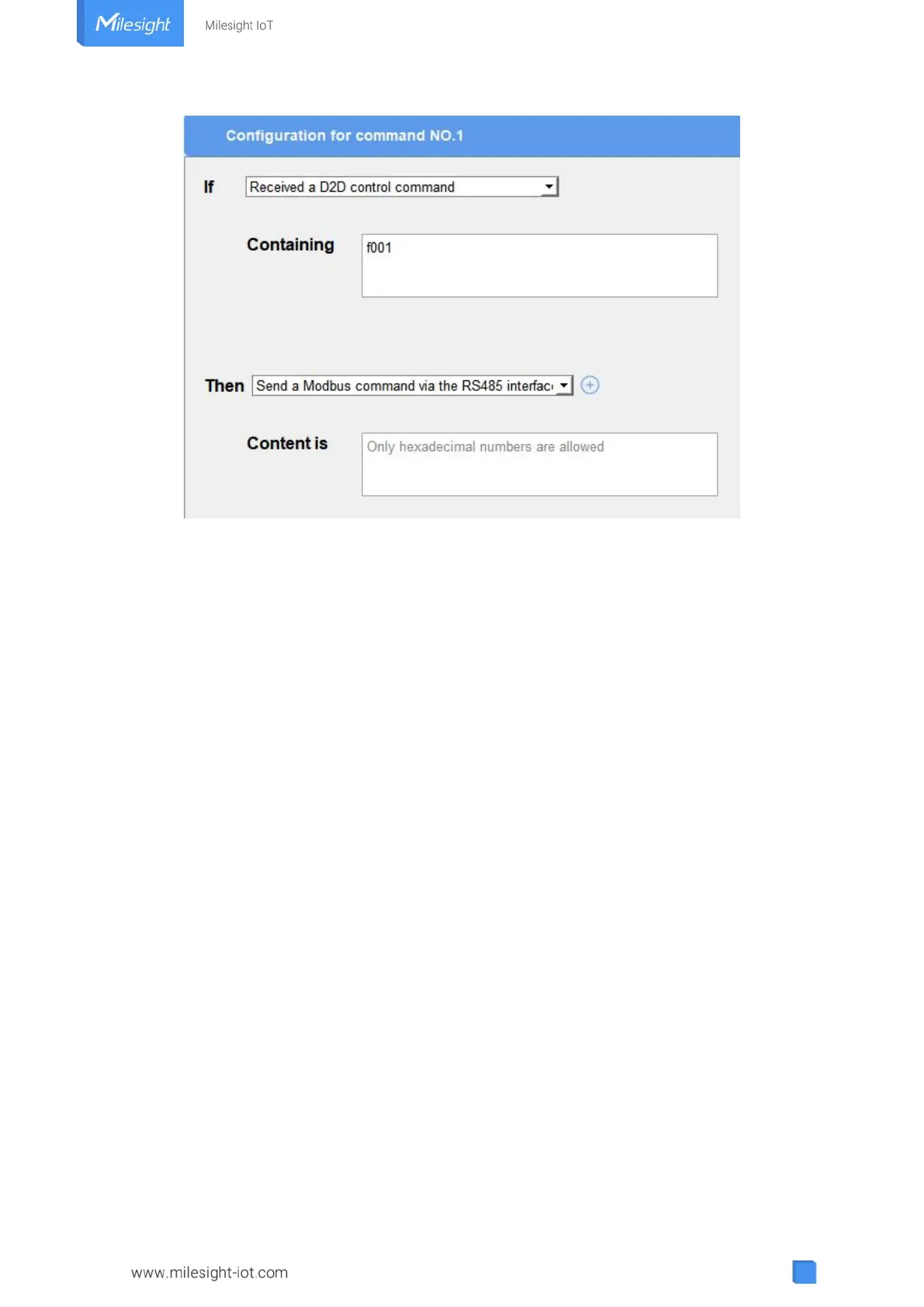
Note: When this feature is enabled and the command is triggered, the device will not send data
to LoRaWAN
®
network server.
4.6 Maintenance
4.6.1 Upgrade
UC300 supports upgrade locally via ToolBox software.
1. Download firmware from www.milesight-iot.com to your PC.
2. Go to “Maintenance -> Upgrade”, click “Browse” to import firmware and upgrade the device.
You can also click “Up to Date” to search for the latest firmware of the device and upgrade.
Note: Any operation on ToolBox is not allowed during upgrading, otherwise the upgrading will be
interrupted, or even the device will break down.



 To Next Page