dark floor/carpet (black, grey, etc.)
Set the maximum target height, then the device will ignore the objects
higher than this setting value.
Set the minimum target height, then the device will ignore the object
shorter than this setting value.
Select the tracking mode of counting, including Heads Tracking and Feet
Tracking.
Note: It is recommended to use heads tracking mode when the installation
height is low in standalone working mode.
Turn on when any one of the following situations occurs, it will ensure
normal counting and detecting:
The depth image is abnormal;
There is obstacle in the live view;
Installation conditions are not met.
The device will detect the people shorter than child filter height as children.
The device will detect the people who wear reflective stripes as staff tags
on the visible parts (neck, shoulders, etc.) as staffs.
Reflective stripe requirements: width > 2cm, 500 cd/lux.m
2
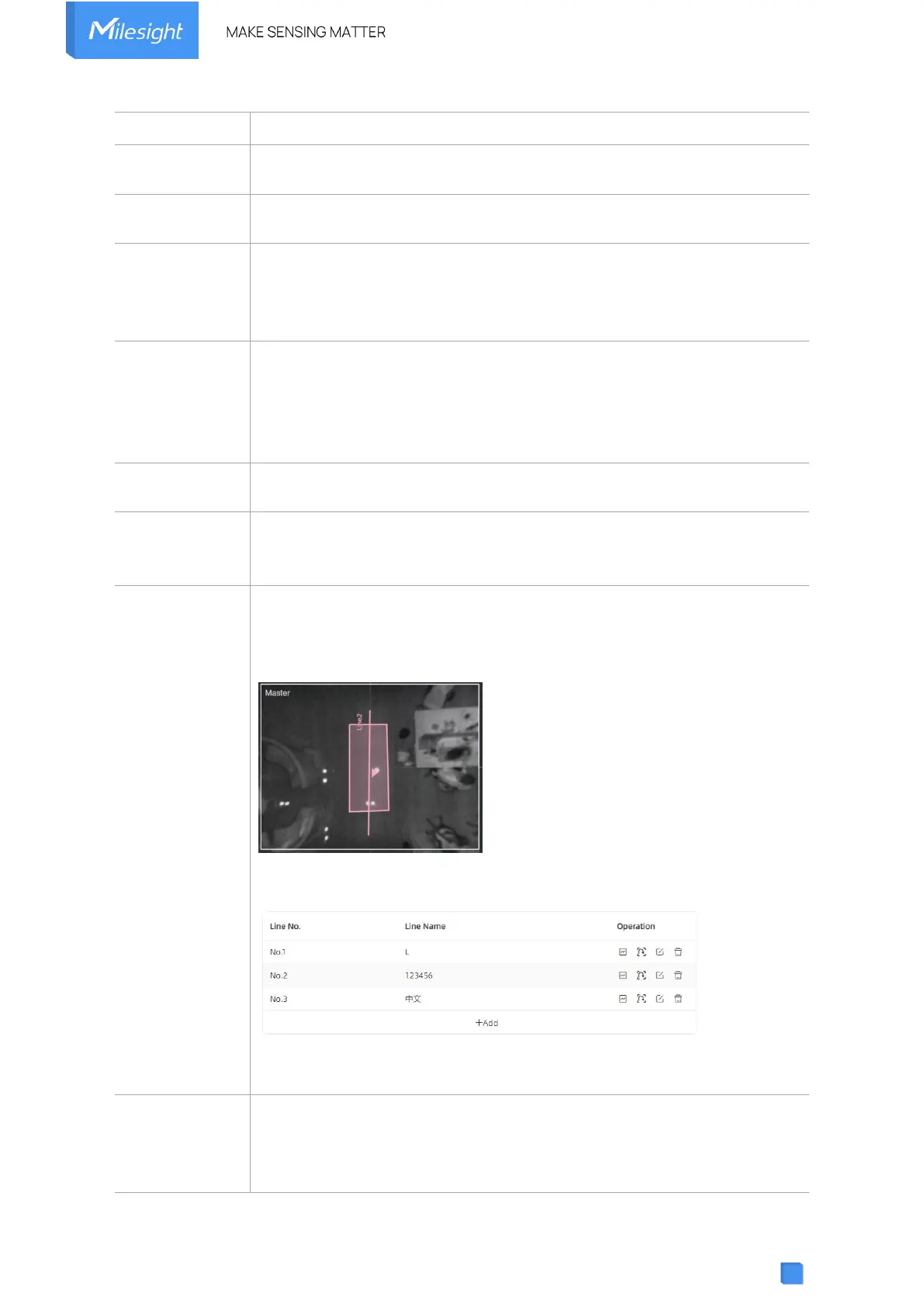
When enabled, it allows to draw an area for every line and the device will
count the In and Out values only when people pass this area. Users can
left-click to start the drawing and add edges for this area, then right-click to
stop drawing.
Click “+Add” to add the U-turn filtering. Up to 4 regions are supported with
maximum 4 segments each.
You can edit the detection line, U-turn area, line name and delete line by
click the buttons.
Click to enable the group counting function that based on the distance,
moving direction and speed difference to gain deeper insights into
customer’ behaviors.
Note:



 To Next Page