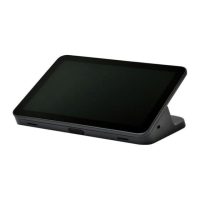
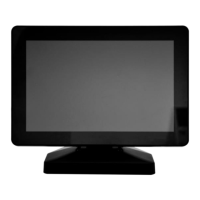
Mimo Monitors
info@mimomonitors.com
Sales: 1-855-YES-MIMO (937-6466)
26
Taking Photos
Front 5M pixels camera is an optional accessory.
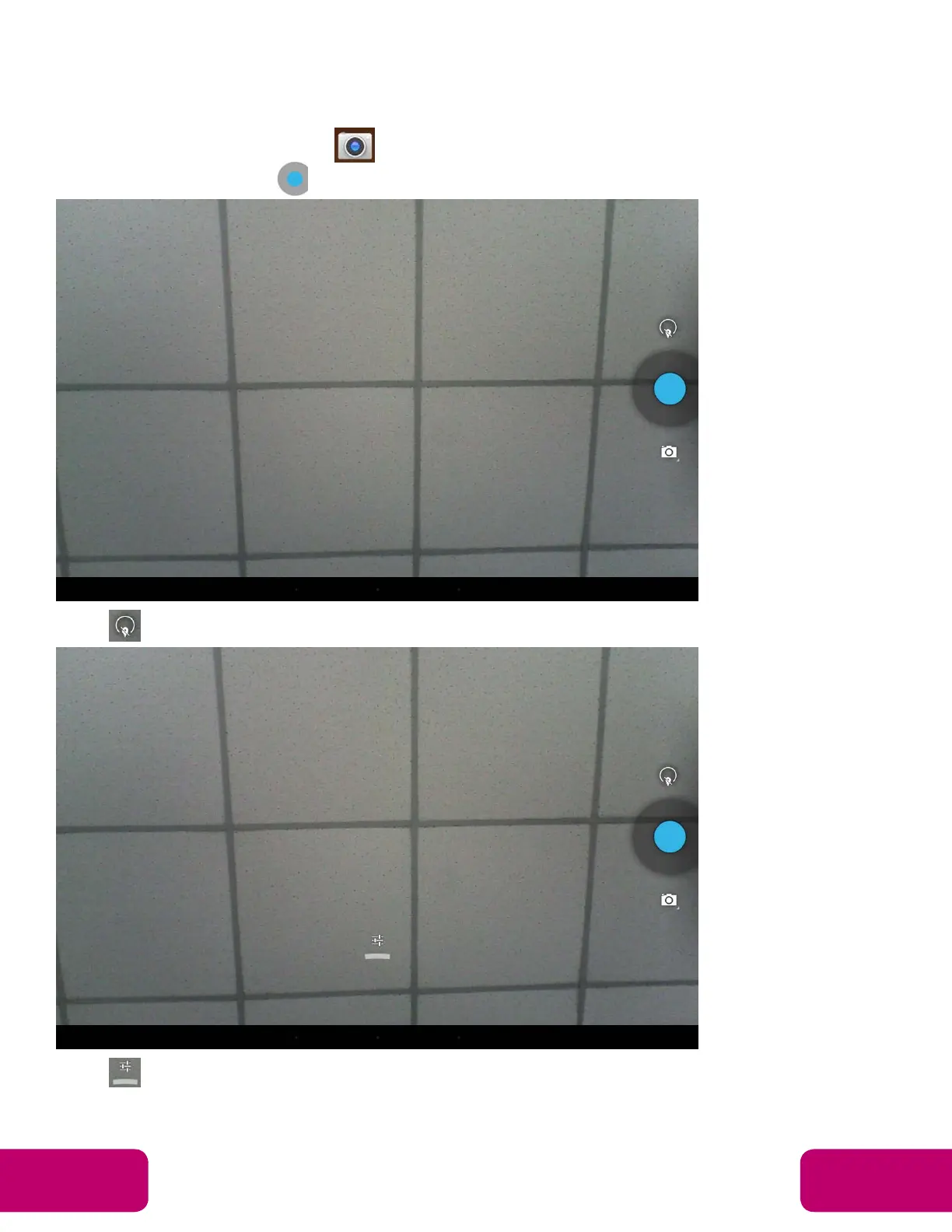
In the App list, open “Camera” .
Click the capture button to take a photo.
Click above the capture button to change camera settings.
Click to open detail settings. From left to right in the picture are: location
on/off, countdown timer, picture size, white balance, and scene mode.



 To Next Page